


Skip to content
Veo 3.1 · Sora 2 Pro · 130+ models live

The AI video generator with 130+ models.

Run Veo 3.1, Sora 2 Pro, Kling V3 Pro and 130+ more from your iPhone, and compare several on the same prompt before you publish.

Creators

Trending public generations, pulled live from the app and ranked by what the community loves most.

130+

AI models

200

Video effects

14

Creation tools

31

Languages

Powered by the world’s leading AI labs

4.5123 App Store ratings
  • Google DeepMind
  • OpenAI
  • ByteDance
  • Kling
  • ElevenLabs
  • Black Forest Labs
  • xAI
  • PixVerse
The full studio

One app. Every creative format.

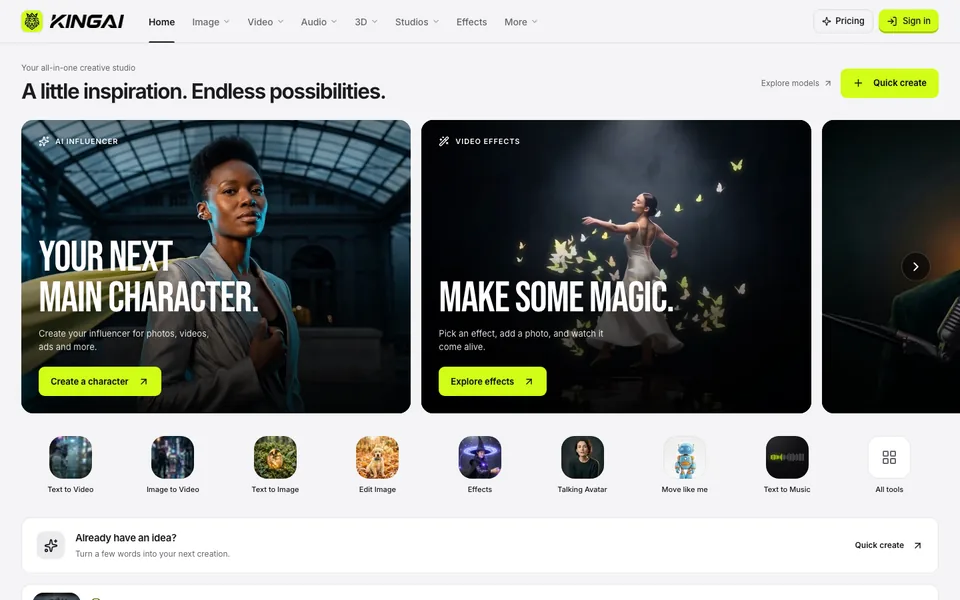
King AI is a complete production studio: video, art, music, voice, and sound design in a single workflow - no exports between tools, no timeline required.

Veo 3.1 FastAn female alien and a male zombie…

AI video

Direct cinematic video from a sentence

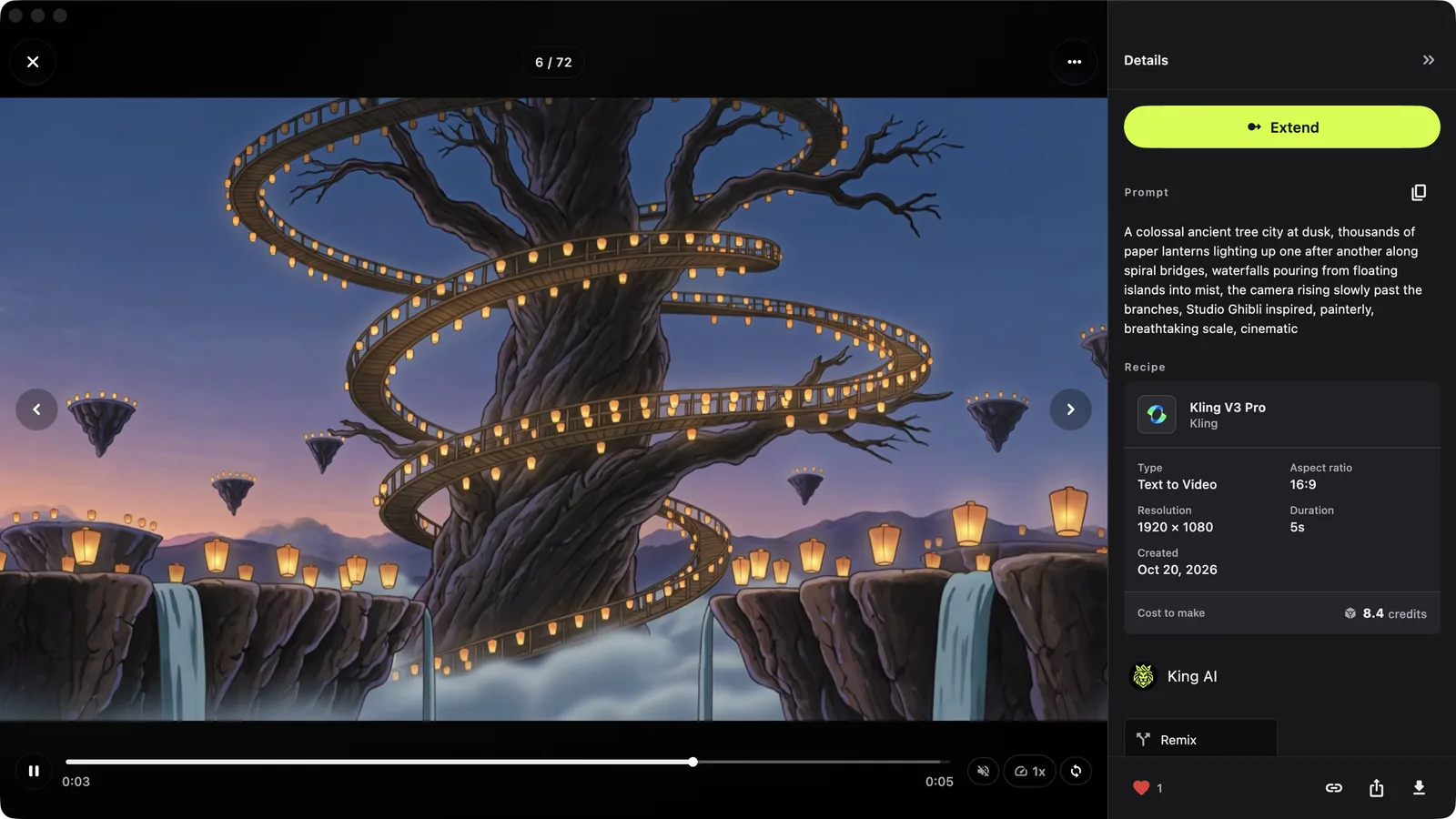
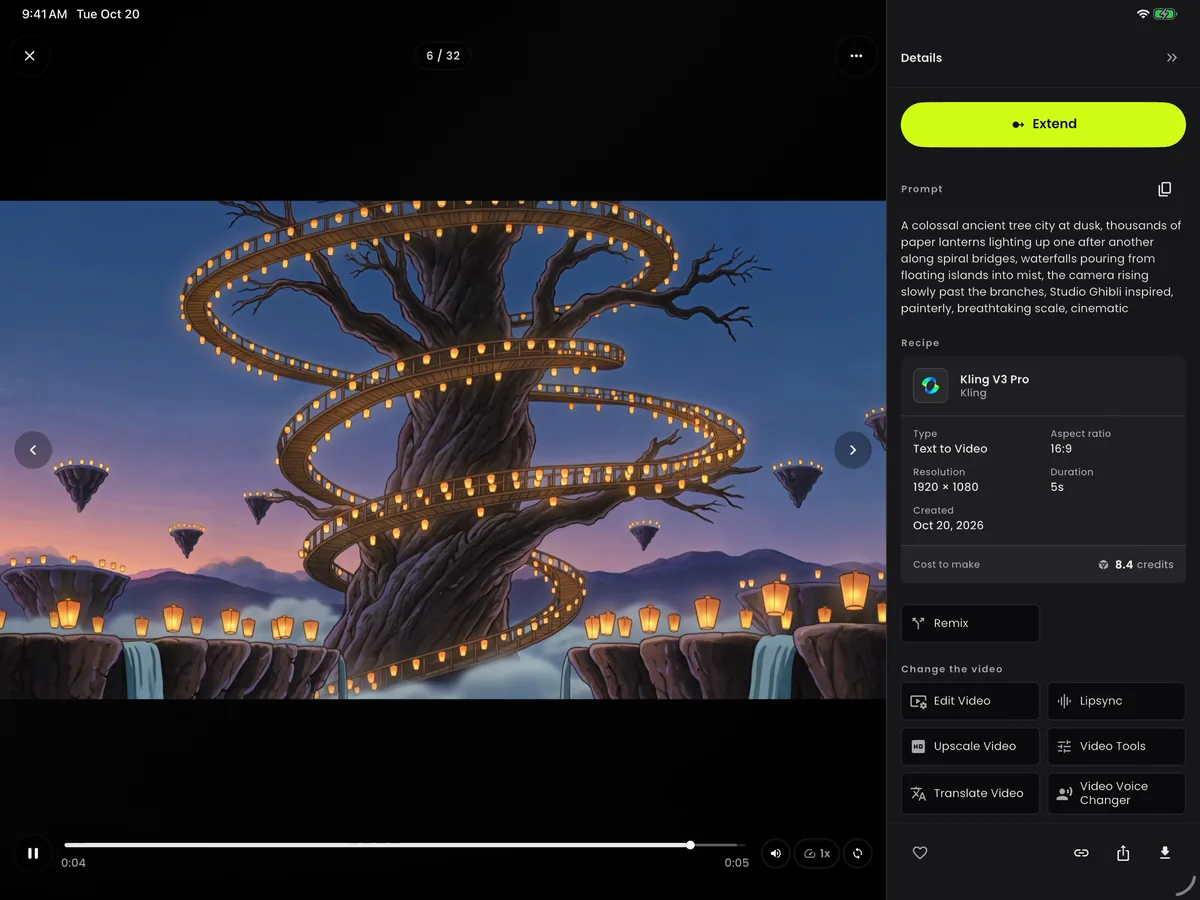
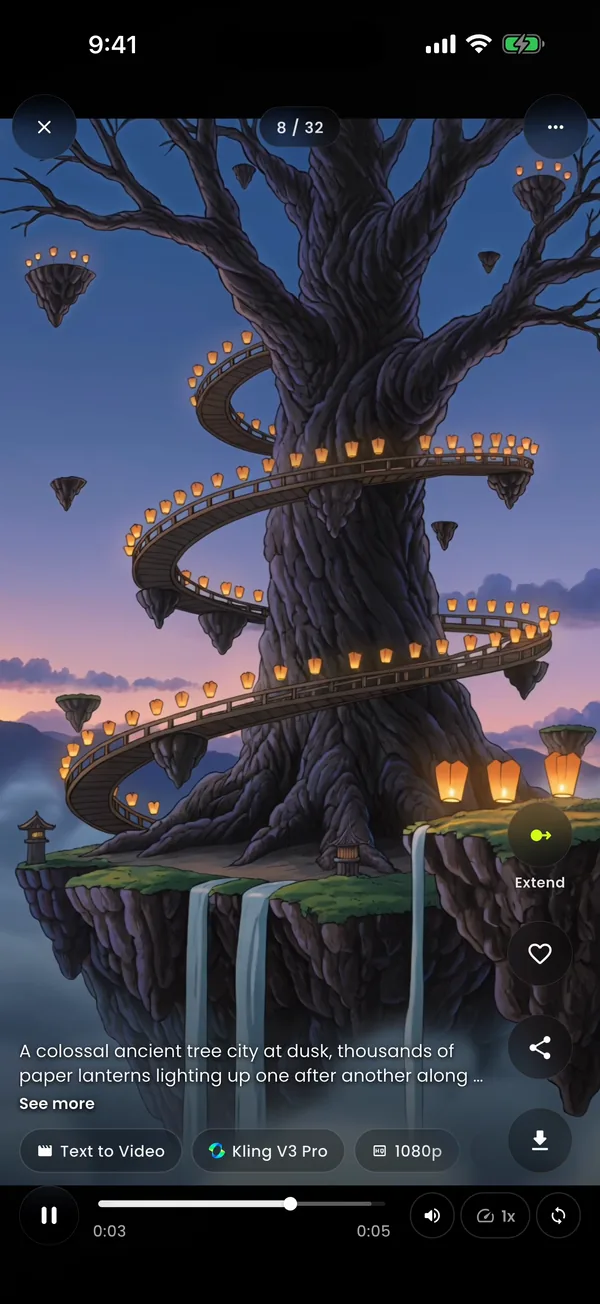
Describe a scene, or start from a photo, a reference, or a start and end frame. King AI renders it with Veo 3.1, Sora 2 Pro, Kling V3 Pro, Seedance 2.0 and more - then lets you extend and edit the result without leaving the app.

  • Text to Video
  • Image to Video
  • Reference to Video
  • Start & End Frame
  • Extend Video
  • Edit Video
Explore text to video
Effects vault

200 ways to make one photo move.

Every effect is a one-tap template tuned in the app - upload a photo, pick a look, and King AI animates the moment. These are the real packs, straight from the studio.

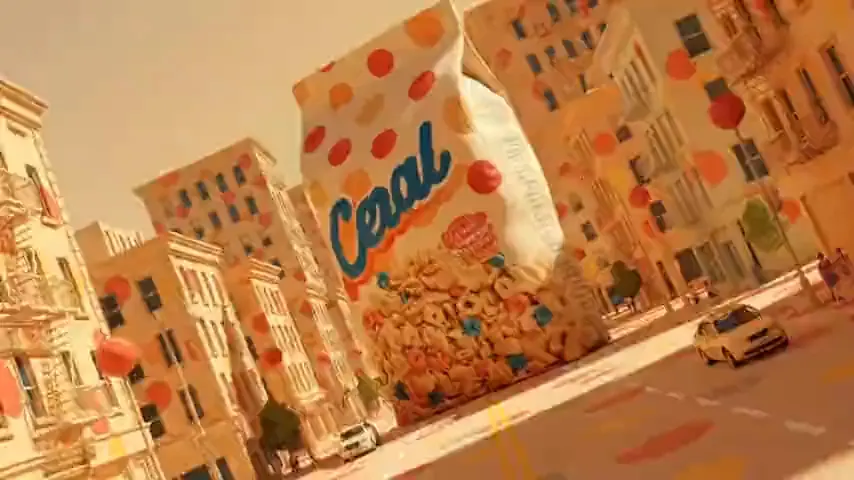
One-tap effect

Dance & Music

Subject 3

Subject 3

Dance & Music

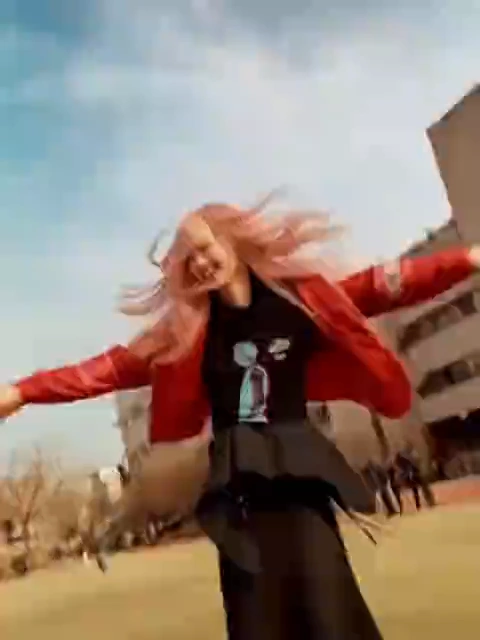
Dance the viral Subject 3 trend.

Browse every pack by mood
15 effects

Trending

The looks going viral right now

  • Ghibli
  • Muscle Surge
  • Minecraft
  • Hulk
  • Bullet Time
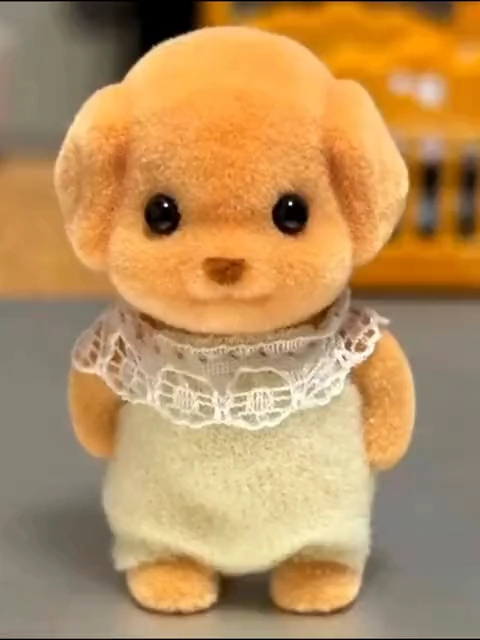
  • Baby Face
42 effects

Fun & Viral

Meme-ready animations built to share

  • Gender Swap
  • Flying
  • Pet to Human
  • Get Thinner
  • Aliens Coming
33 effects

Dance & Music

Performance loops and music-led clips

  • Subject 3
  • Vroom Dance
  • Pole Dance
  • Skate Skate
23 effects

Fantasy & Magic

Transformations and dream worlds

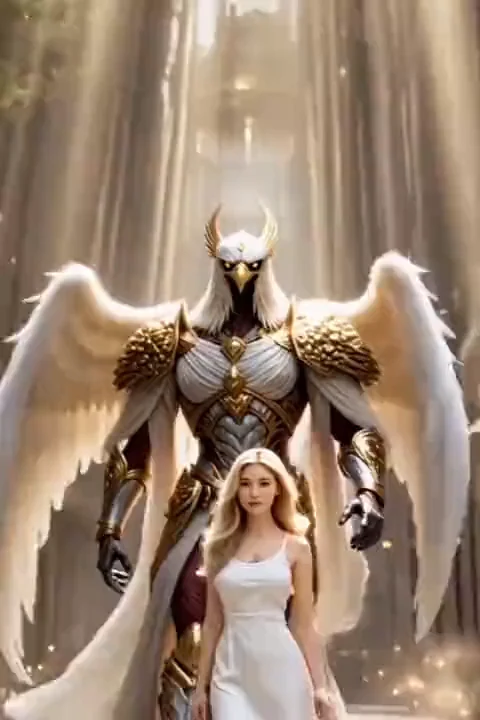
  • Holy Wings
  • Dragon Evoker
  • Mermaid
  • Werewolf Rage
  • Liquid Metal
19 effects

Art & Style

Illustration, clay, comic, and 3D styles

  • Ghibli
  • Clayshot
  • American Comic
  • Toy Me
  • Anime Figure
18 effects

Product & Ads

Instant commercials for your product

  • Giant Product
  • Billboard Ad
  • Beach Ad
  • Product Close-up
16 effects

Romance

Hugs, kisses, proposals, and memories

  • Hug
  • Kiss
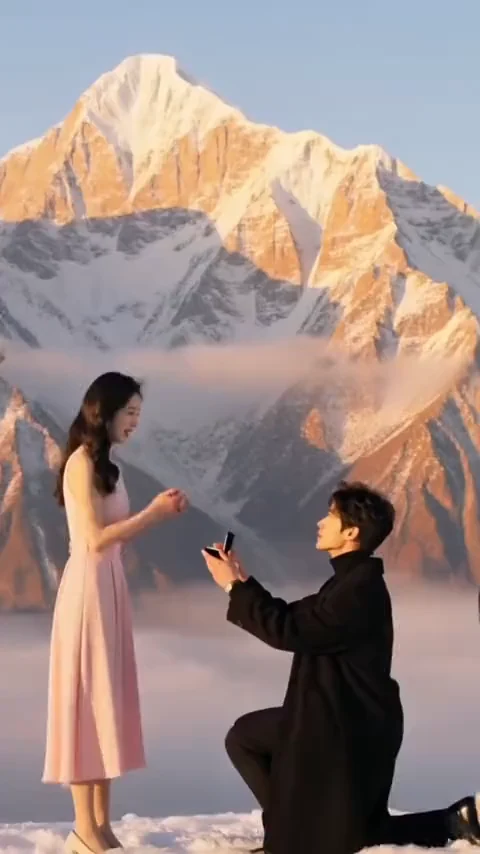
  • Marry Me
  • Somber Embrace
10 effects

Cinematic

Camera moves straight out of Hollywood

  • Hitchcock Dolly Zoom
  • Earth Zoom
  • Pilot
  • Live Memory
Also insideSuperhero · 7Horror & Dark · 11Action · 9Celebrations · 12
Try an effect free: Effects vault

Pick the right engine for every shot.

One pipeline forces every idea through the same model. King AI gives each shot its own engine - realism, speed, style, audio - and lets you run several at once to compare.

Cinematic motion, native audio, HD renders.

10 engines
  • Veo 3.1
  • Sora 2 Pro
  • Kling V3 Pro
  • Seedance 2.0
  • Hailuo 2.3 Pro
  • WAN 2.7
  • PixVerse V6
  • Grok Imagine Video
  • LTX 2.3 Pro
  • Hunyuan v1.5

A snapshot of the 130+ engines inside the app - new models land as soon as the labs ship them.

Veo 3.1 with native audio
Sora 2 Pro in HD
Multi-model generation
Upscale to 4K

Three steps. Zero timeline.

No editors, no render farms, no learning curve. If you can describe it, you can ship it.

01

Describe it

Type a prompt, or start from a photo, a reference clip, or a start and end frame. Out of ideas? Tap Surprise Me and the app writes one for you.

Example prompt

A lone knight walks through a field of white flowers at dusk, cape drifting in the wind, cinematic lighting, slow dolly shot.

02

Pick the engine

Choose the model that fits the shot - realism, speed, style, audio - or run several at once and compare the results side by side.

Model picks

Veo 3.1 for native audio · Sora 2 Pro for HD realism · Kling V3 Pro for motion control

03

Publish it

Upscale, remove backgrounds, add music or a voiceover, then export clean, watermark-free content straight to TikTok, Instagram, or YouTube.

On export

No watermark on premium · Commercial usage included · Credits roll over

Built for posts, pitches, clients, and campaigns.

Everything you export is ready for the real world - clean, licensed, and yours.

No watermark

Premium exports stay clean for posts, ads, and client work.

Commercial usage

Use what you make in real campaigns and paid work.

Parallel generations

Run multiple models at once and compare results side by side.

Credits roll over

Unused subscription credits carry into the next month.

31 languages

Fully localized for creators around the world.

Every Apple screen

One purchase across iPhone, iPad, and Mac.

Pricing

Start free. Upgrade when you're ready.

Download free and create with daily credits. Three simple plans add clean exports, commercial usage, and serious volume - cancel anytime, credits roll over.

Starter

100 credits

For trying every model on the house.

$30.00/ month

  • 100 credits every month
  • All 130+ AI models
  • Standard generation speed
  • No watermark on exports
  • Commercial usage included
  • Credits roll over
Most popular

Standard

250 credits

For creators posting every week.

$67.99/ month

  • 250 credits every month
  • All 130+ AI models
  • Priority generation
  • No watermark on exports
  • Commercial usage included
  • Credits roll over
Best value

Pro

500 credits

For studios, agencies, and power creators.

$141.99/ month

  • 500 credits every month
  • All 130+ AI models
  • Highest priority queue
  • Early access to new models
  • Commercial usage included
  • Credits roll over
Plan comparison
FeatureFreeStarterStandardPopularPro
Credits per monthFree daily credits100250500
AI models130+130+130+130+
Watermark-free exportsYesYesYesYes
Commercial usageYesYesYesYes
Credits roll overYesYesYesYes
Every model and toolYesYesYesYes

Every plan includes all 130+ AI models across iPhone, iPad, Mac, and the web studio.

One-time credit packs

Need a top-up? Buy credits, skip the subscription.

Packs stack on top of any plan - grab a burst of generations whenever a big idea strikes.

Buy in the app: One-time credit packs

Credit pack

25

credits

$7.49

Credit pack

50

credits

$15.00

Credit pack

75

credits

$22.49

Most popular

Credit pack

100

credits

$29.99

Questions, answered.

Everything you need to know about creating AI video, art, and music with King AI.

What is King AI?

King AI is an all-in-one AI video generator and creative studio for iPhone, iPad, and Mac. Turn text prompts or photos into cinematic videos, AI art, music, voiceovers, and sound effects using Veo 3.1, Sora 2 Pro, Kling, Imagen, Flux, and 130+ AI models.

Is King AI free to use?

Yes. You can download King AI free from the App Store and start creating with free daily credits. Premium plans include watermark-free exports, faster generations, parallel renders, commercial usage, and credits that roll over.

Can I turn text into video with King AI?

Absolutely. King AI supports text-to-video, image-to-video, reference-to-video, and start and end frame generation, so you can create a full cinematic clip from a single sentence or a photo.

Which AI models does King AI support?

King AI brings together 130+ premium engines, including Veo 3.1, Sora 2 Pro, Kling, and PixVerse for video, Imagen 4 Ultra and Flux 2 for images, plus AI music, text-to-speech, and sound-effect generators.

Can I use King AI on the web?

Yes. Alongside the iPhone, iPad, and Mac app, King AI offers a web studio at app.kingaivideo.app, so you can create AI video, art, and music from any desktop browser.

Can I use King AI videos commercially?

Yes. Premium plans include commercial usage and watermark-free exports, so creators, freelancers, and businesses can use King AI content for posts, ads, and client campaigns.

What can I create with King AI?

Create text-to-video and image-to-video clips, viral effects, AI art, image edits, upscales, background removal, original music, AI voices, and sound effects, all from one app.

Does King AI add a watermark?

No. King AI never adds a watermark, on any plan including the free tier. Every video and image exports clean and ready to publish on TikTok, Instagram, YouTube, and anywhere else.

Your next post is one prompt away.

Download King AI, type the idea already in your head, and publish cinematic video, art, and music today - free daily credits included.

  • Rated 4.5 on the App Store
  • Commercial license included
  • Credits roll over