
AI Video Generator
Turn any idea into a cinematic video.
King AI's AI video generator turns a single prompt, photo, or reference into a cinematic clip in seconds. Choose from 280+ models — Veo 3.1, Sora 2 Pro, Kling V3 Pro, Seedance 2.0, and more — then edit, extend, and publish without ever leaving the app.
Made in King AI
What comes out the other side.
Every frame below was generated in the app, from a written prompt, on the same models you get on the free tier.
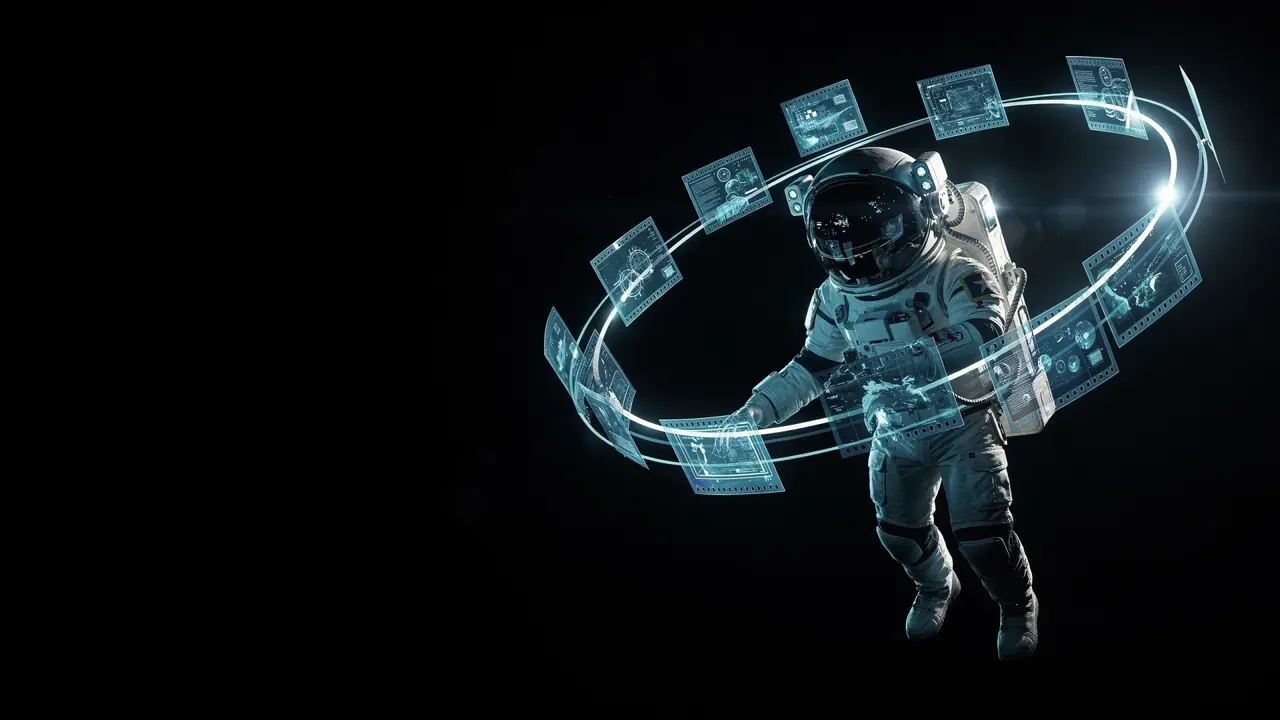
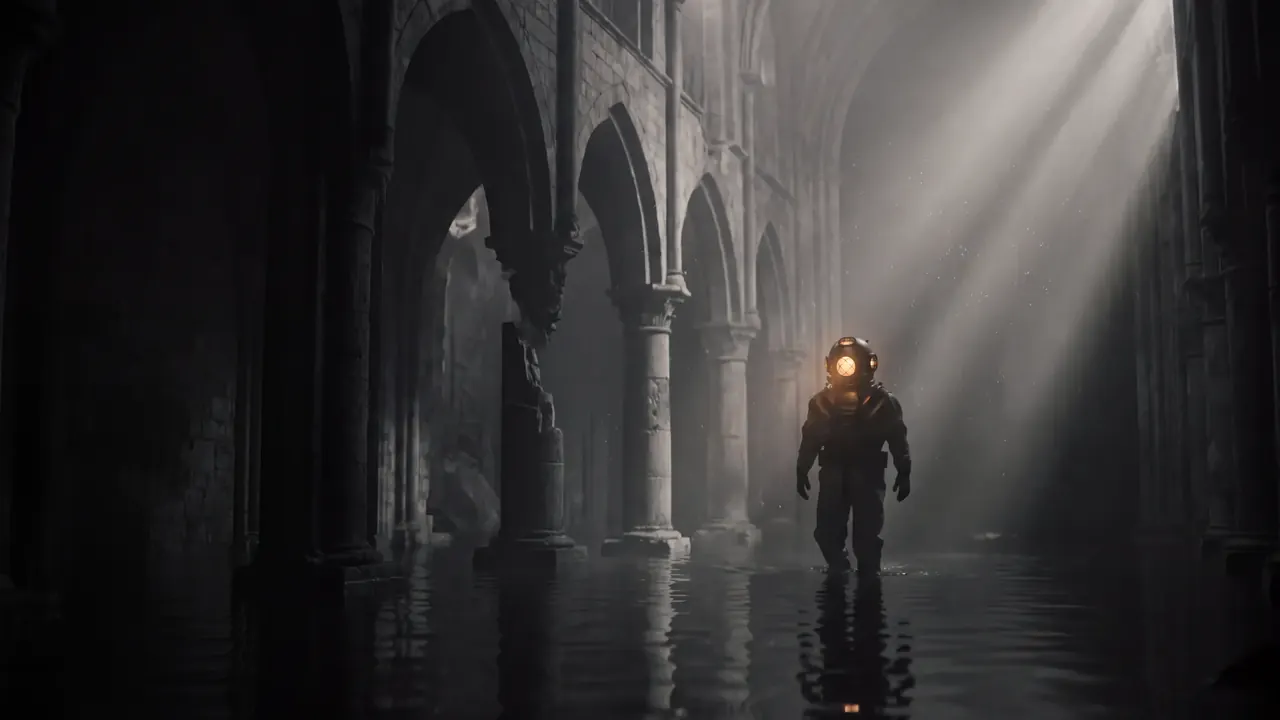
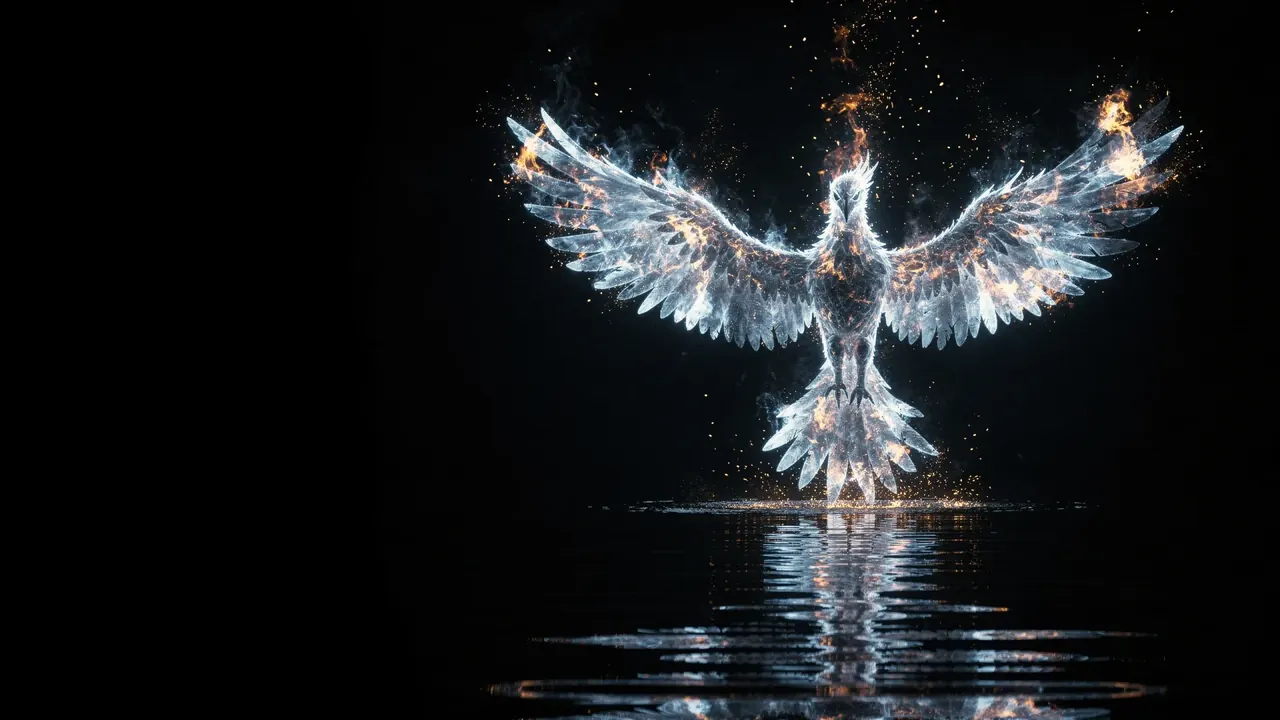
Stills from the video models. Motion, sound and length are set per generation.
Highlights
The fastest way from idea to finished video.
No camera, no crew, no editing timeline. Describe the shot and King AI directs the camera, lighting, and motion for you.
Seconds, not days
Most clips render in under a minute. Iterate on a prompt until the shot is exactly right.
280+ models, one app
Veo 3.1 for native audio, Sora 2 Pro for HD realism, Kling for motion — switch per shot.
Run models in parallel
Fire several engines at once and compare the results side by side before you commit.
Watermark-free & licensed
Exports are clean and commercially licensed on every plan — ads, clients, and social.
Capabilities
Every way to make a video.
Start from a sentence, a photo, a reference, or two keyframes — King AI meets you wherever your idea starts.
Text to Video
A single sentence becomes a cinematic clip with the motion, lighting, and camera you describe.
Image to Video
Upload a still and King AI animates it with smooth, natural, cinematic motion.
Reference to Video
Match the style, palette, and framing of a reference image or clip.
Start & End Frame
Define the first and last frame; King AI invents the motion in between.
AI Video Editor
Refine, restyle, retime, caption, and re-cut without a desktop editor.
AI Video Extender
Lengthen any clip by seconds or minutes while keeping the look consistent.
How it works
From prompt to premiere in four steps.
Describe your scene
Write a cinematic prompt — subject, action, setting, lighting, and camera movement. The richer the description, the more control you get.
Choose your engine
Pick Veo 3.1 for native audio, Sora 2 Pro for HD realism, or Kling for dynamic action. Run several at once to compare.
Generate and refine
Render in seconds, then extend the clip, restyle it, or add music, voice, and sound effects — all in the same app.
Export and publish
Export watermark-free, commercially licensed video sized for TikTok, Reels, Shorts, YouTube, or your client.
Deep dive
Built for real production, not just demos.
Every generation is a starting point you can shape — King AI gives you the controls a real shoot would.
Direction
Direct the camera with words
Call the shot the way a director would — dolly in, crane up, handheld, slow motion — and King AI interprets it into real camera motion.
- Camera moves: dolly, pan, crane, orbit
- Shot types: close-up, wide, aerial
- Pacing and slow-motion control
Audio
Native sound, generated with the frame
Select an audio-native model and King AI generates ambience, foley, and dialogue timing alongside the video — no separate sound pass required.
- Native audio on supported models
- Add AI music and voiceover in-app
- Sound effects from a text prompt
Consistency
Keep characters and style on-model
Feed a reference image or a previous frame and King AI holds the subject, palette, and mood steady across an entire sequence.
- Reference-to-video style matching
- Consistent characters across clips
- Extend without a jump cut
Models
Every leading video model, one subscription.
Switch models per generation, run several at once, and compare results side by side. New models ship the day the labs release them.
Go deeper
Guides, models and effects for this job.
Veo 3.1 video generator
Google's model, with sound, and what it costs per second here.
ExploreSora 2 Pro
OpenAI's video model without an invite or a waitlist.
ExploreKling V3 Pro
Kling's flagship, with its price per second here.
ExploreCinematic AI video prompts
Thirteen prompts we ran, each with a frame of the real result.
ExploreMake your first AI video
One sentence, one model, one clip in five minutes.
ExploreOne-tap AI video effects
Every effect page, grouped by category, each with its sample clip.
ExploreFAQ
AI video generation, answered.
Which AI models does King AI use for video generation?
King AI ships 280+ video models including Veo 3.1, Sora 2 Pro, Kling V3 Pro, Seedance 2.0, MiniMax H3, WAN 3.0, PixVerse V6, Grok Imagine 1.5, LTX 2.5 Pro, and Luma Ray 3.2. You choose the engine per generation, and new models are added as soon as the labs release them.
How long can a generated AI video be?
The flagship video models render clips up to 10 seconds per generation at up to 1080p. Use the built-in AI Video Extender to chain multiple generations into longer narratives without losing visual consistency.
Can I generate video from a photo instead of text?
Yes. King AI supports text-to-video, image-to-video, reference-to-video, and start-and-end-frame generation. Upload a still and the app animates it with cinematic motion, or feed a reference to match a specific style.
Are King AI videos watermark-free?
Every plan exports clean video, including the free tier. There is no watermarking anywhere in King AI — paid plans add monthly credits, not a cleaner export.
Can I use AI-generated videos commercially?
Yes. Every plan includes full commercial usage rights, so you can publish generated video in client work, paid ads, social posts, courses, and product launches.
Is there a free AI video generator I can try?
Yes. In most countries, your first video is on us: new verified accounts get one five-second video on our lowest-cost video model, once. Planning is free; use a plan or credit pack when you want to make more. Other runs show their credit cost before you generate. Nothing is watermarked on any plan; upgrade any time for more monthly credits.
Get started
Generate your first AI video today.
In most countries, your first video is on us: new verified accounts get one five-second video on our lowest-cost video model, once. Planning is free; use a plan or credit pack when you want to make more. Other runs show their credit cost before you generate.