AI image generator — design stunning art in any style.
King AI's image generator blends the world's best text-to-image models in one app. Create photoreal shots, illustration, and concept art with Seedream 5 Pro, Flux 2 Max, GPT Image 2, and Nano Banana Pro — then edit, upscale to 4K, and remove backgrounds without leaving the app.
9 image models4K upscaleAny aspect ratioCommercial licenseFirst video on us in most countries
Made in King AI
Stills, straight out of the app.
Generated on the image models in King AI. Nothing here was retouched afterwards.
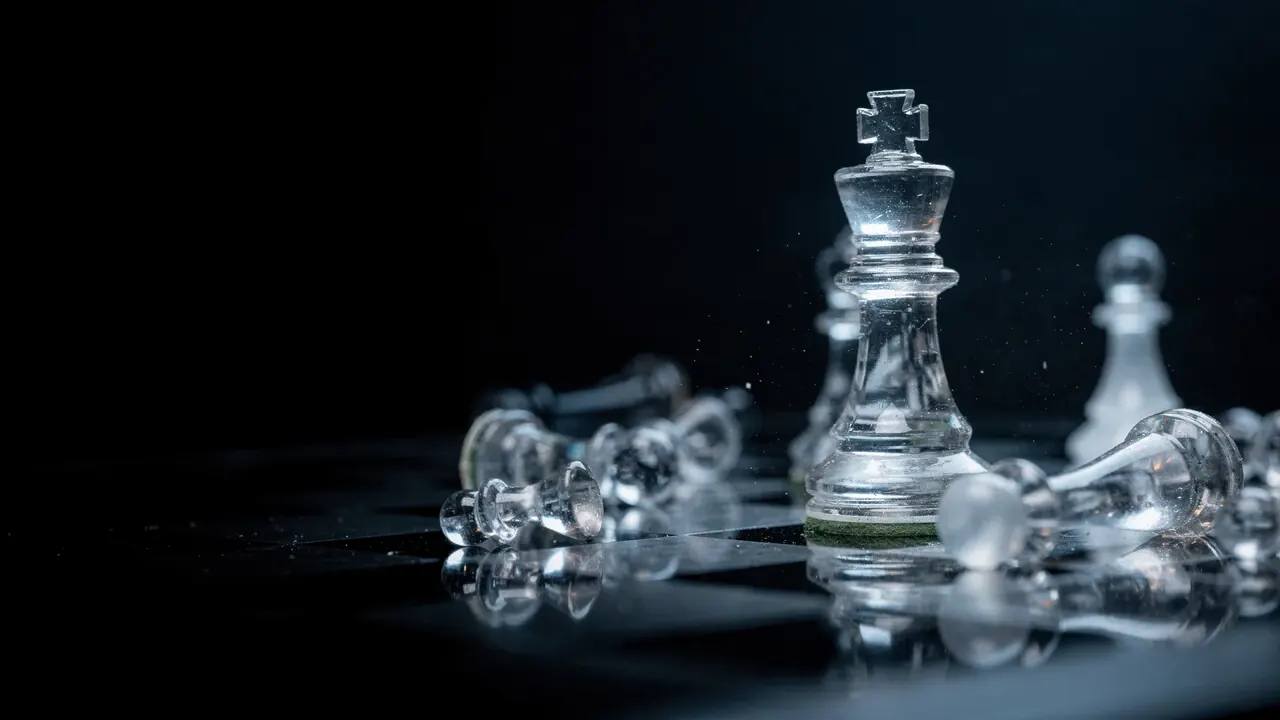
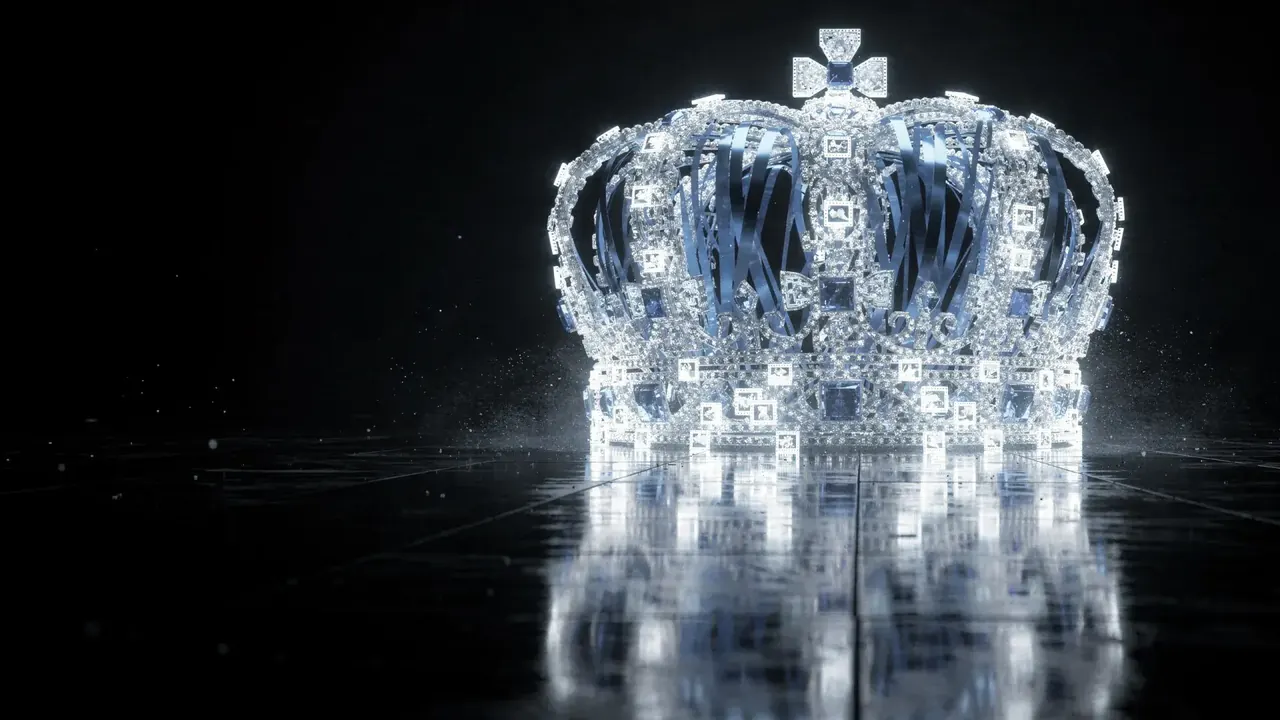
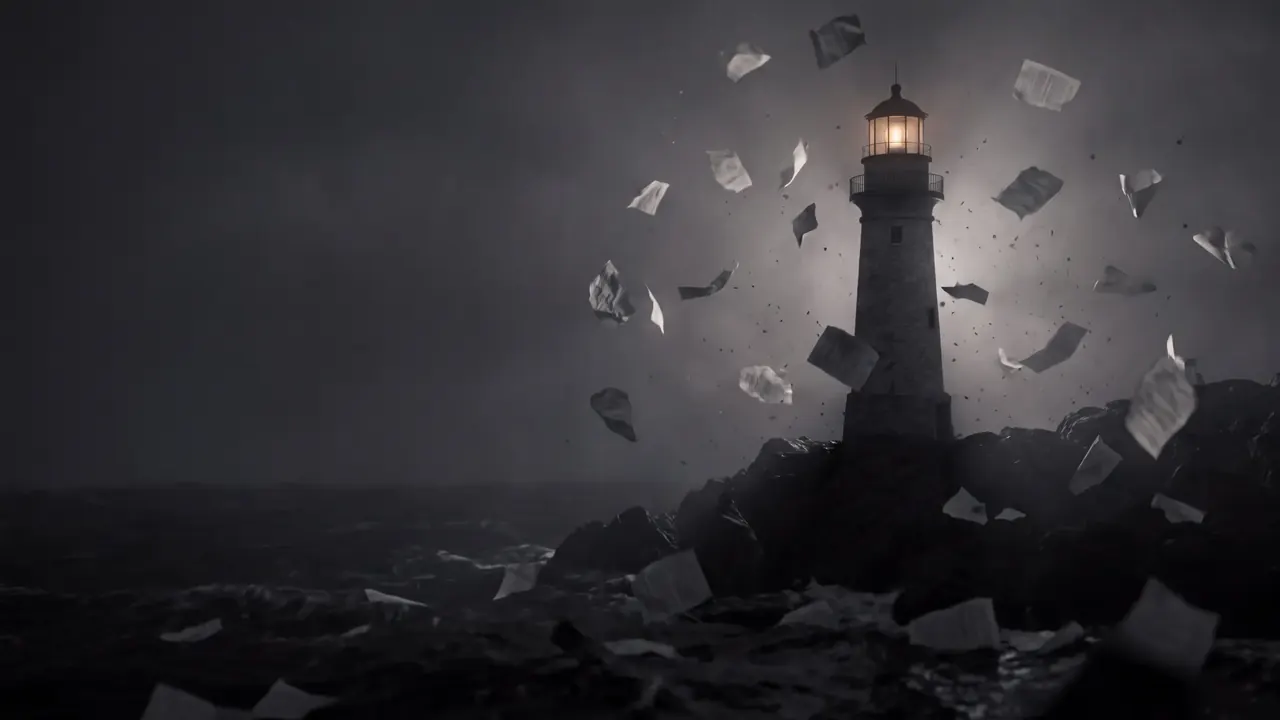
A glass chess king standing over toppled glass pawns on a reflective black board, lit from behind.An ornate crown made of clear crystal, glowing white and reflected in a black mirrored floor.A lighthouse built from folded paper on a rocky shore, with torn paper fragments blowing past it like spray.
Unedited output. Every image model in the app is on every plan.
Highlights
One app for photorealism, illustration, and design.
Whatever the brief — a product hero, a character concept, a poster — King AI has a model tuned for it.
Photoreal quality
Seedream 5 Pro and Flux 2 Max deliver studio-grade realism, lighting, and detail.
Any art style
Illustration, anime, clay, comic, 3D — match a reference or describe the look.
Upscale to 4K
Enhance resolution without losing detail. Print- and display-ready output.
Edit in the same app
Remove backgrounds, retouch, inpaint, and restyle without switching tools.
Capabilities
A complete image studio.
Generate, then perfect — every step from first draft to final export happens in King AI.
Tell the model what belongs in the frame, how it should be composed, and where the image will be used. Choose an aspect ratio before generating so you leave room for the final crop.
A product campaign concept
Editorial product photograph of a cobalt blue glass bottle on a limestone pedestal, soft side lighting, a pale gray studio background, generous empty space on the right for a headline. No text, no logos.
For a real product, bring its photo into image editing. A text prompt creates a concept and may invent packaging details.
A hand-painted illustration of a tiny observatory on a forest hill at dusk. Indigo shadows, warm amber windows, visible gouache texture. Clear silhouette and uncluttered space above the observatory. No lettering.
Add exact titles and brand typography after generation. Compare composition and legibility at the size viewers will actually see.
Suggested starting briefs, ready to edit. Opening the studio does not generate or spend credits. Sign in when you are ready, choose a model, and review its credit cost before generating.
Which AI models does King AI use for image generation?
King AI includes Seedream 5 Pro, Flux 2 Max, GPT Image 2, Nano Banana Pro, Ideogram 4.5, Seedream 5, Recraft v4.1, Qwen Image 2 Pro, and Topaz Precision — nine flagship image engines you can switch between per generation.
Can I edit an image after generating it?
Yes. King AI's built-in image editor lets you remove backgrounds, upscale to 4K, retouch, restyle with a reference, and inpaint or outpaint — all non-destructively, without leaving the app.
What aspect ratios and resolutions are supported?
King AI supports every common aspect ratio (1:1, 4:3, 3:4, 9:16, 16:9) plus custom sizes, and upscales to 4K (4096×4096) for print and large-format display.
Can I use AI-generated images commercially?
Yes. Every plan includes commercial usage rights so you can use your images in client work, ad campaigns, product listings, and social posts.
Is King AI's image generator free?
Yes. In most countries, your first video is on us: new verified accounts get one five-second video on our lowest-cost video model, once. Planning is free; use a plan or credit pack when you want to make more. Other runs show their credit cost before you generate. Paid plans add more monthly credits. Nothing is watermarked and every plan unlocks all 280+ models.
Can I generate images that match my brand style?
Yes. Feed a reference image or a small set of examples and King AI matches the palette, composition, and look so every asset stays on-brand.
Get started
Create your first AI image today.
In most countries, your first video is on us: new verified accounts get one five-second video on our lowest-cost video model, once. Planning is free; use a plan or credit pack when you want to make more. Other runs show their credit cost before you generate.