King AI is a text to video AI generator that turns a single written prompt into a
cinematic clip. Describe the scene, mood, motion, and camera, then let Veo 3.1, Sora 2 Pro,
Kling, and 260+ AI models do the filming. No camera, no crew, no editing timeline.
Free to startiPhone · iPad · Mac4.4★ App StoreAvailable in the US & Europe
Made in King AI
Written, then filmed.
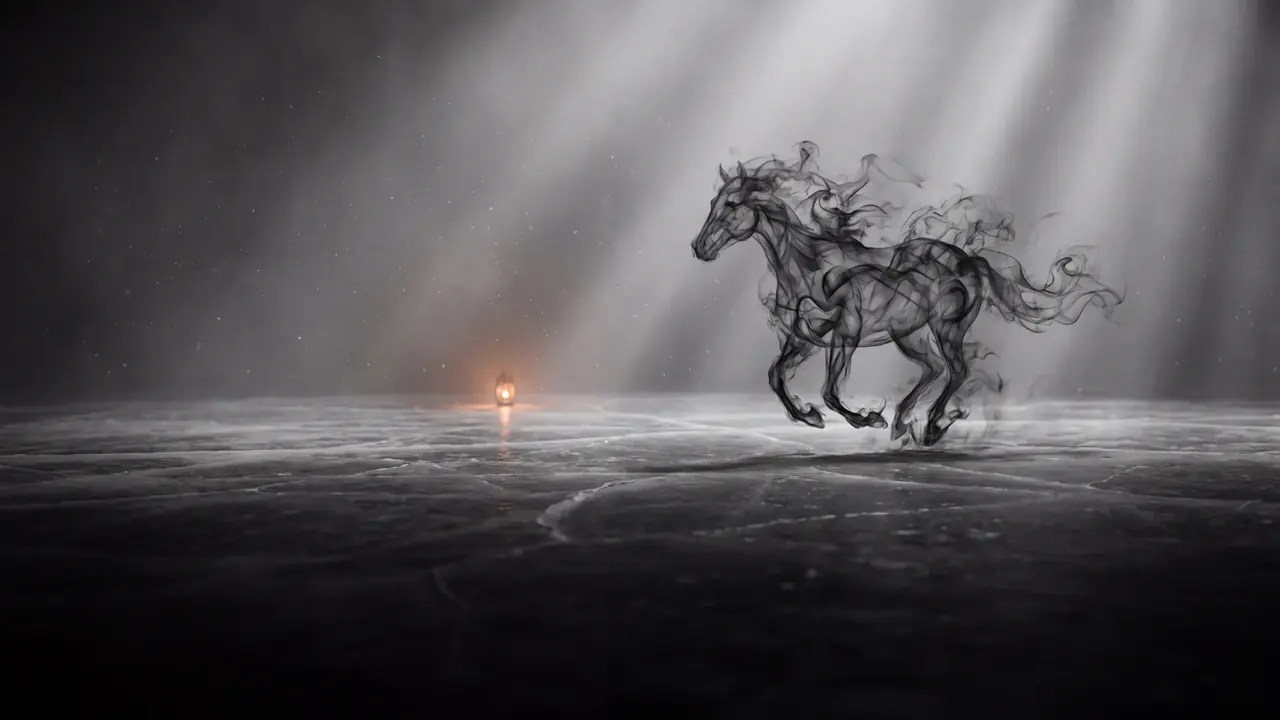
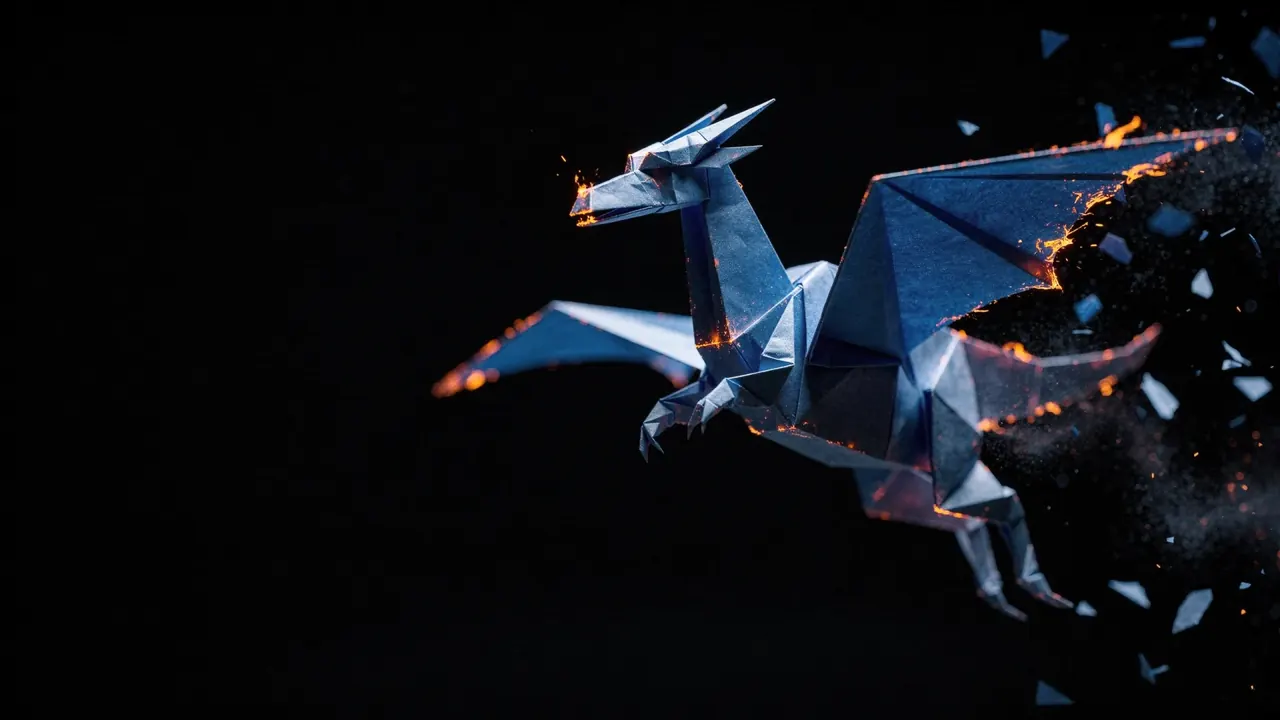
Three prompts, three shots. No footage, no stock, no camera — each one starts as a sentence.
A galloping horse made entirely of smoke crossing a misty plain, lit by a single distant flame.A dragon folded from blue paper in mid-flight, its trailing edges breaking into embers.A castle carved from ice standing on a rock in a dark storm, lit from inside by pale blue light.
Generated from text alone.
How it works
From prompt to premiere in three steps
01
Describe your scene
Write a cinematic prompt — subject, action, setting, lighting, and camera movement. The more vivid the description, the more controlled the result.
02
Choose your AI model
Pick Veo 3.1 or Sora 2 Pro for realistic HD motion, Kling for dynamic action, or a Fast model for speed. Every prompt can use a different engine.
03
Generate and export
Render your clip in seconds, refine the prompt, add music or sound effects, then export clean, watermark-free, social-ready video.
What you can make
One prompt, endless video formats
Text to video unlocks content that used to need a studio. Creators across the US and Europe use King AI to produce:
Cinematic scenes
Film-grade establishing shots, atmospheres, and story moments from a sentence.
Social clips
Vertical, square, and widescreen videos sized for TikTok, Reels, and Shorts.
Ad concepts
Pitch and prototype ad ideas fast before committing to a full production.
B-roll & backgrounds
Drop-in motion footage to elevate edits, presentations, and live streams.
Explainers
Visualize abstract ideas, products, and concepts with animated storytelling.
Music visuals
Generate moody, looping visuals to pair with tracks and audio releases.
Describe a subject, a setting, one main action, and a camera move. Start with a short clip, inspect the result, then change one part of the brief at a time.
A product reveal
A matte ceramic coffee cup on a pale stone counter. Morning light enters from the left. The camera slowly pushes toward the cup as a thin ribbon of steam rises. Clean commercial photography, one continuous shot.
Keep packaging text and final ad copy in your editing workflow; generated lettering can change between frames.
A small coastal town at blue hour, warm windows reflected in the harbor. The camera glides slowly above the water toward the waterfront. Gentle ripples, natural lighting, one continuous wide shot.
Ask for a single camera move. Several cuts or competing actions make a short generation harder to direct.
Suggested starting briefs, ready to edit. Opening the studio does not generate or spend credits. Sign in when you are ready, choose a model, and review its credit cost before generating.
You write a prompt describing the scene, motion, mood, and camera, then King AI sends it to an advanced model like Veo 3.1 or Sora 2 Pro, which generates a short cinematic video that matches your description in seconds.
Is King AI's text to video free?
Yes. You can download King AI free and generate text-to-video clips with free credits. Paid plans add more monthly credits; nothing is watermarked, and commercial usage is included on every plan.
What is the best AI model for text to video?
It depends on your goal. Veo 3.1 and Sora 2 Pro deliver the most realistic HD motion, Kling is great for dynamic action, and Fast models trade a little detail for quicker results. King AI lets you switch models per prompt.
Can I use text-to-video clips commercially?
Yes. Commercial usage is included on every plan and nothing is watermarked, so you can publish AI videos for social posts, ads, and client work.
Is text to video available in the United States and Europe?
Yes. King AI is available on the App Store in the United States, the United Kingdom, and across Europe, and is localized in 30+ languages.
Start creating
Type it. Watch it move.
Download King AI for iPhone, iPad, and Mac, and turn your next idea into cinematic video.