
Use Case · Architecture
AI for architecture — from sketch to concept render.
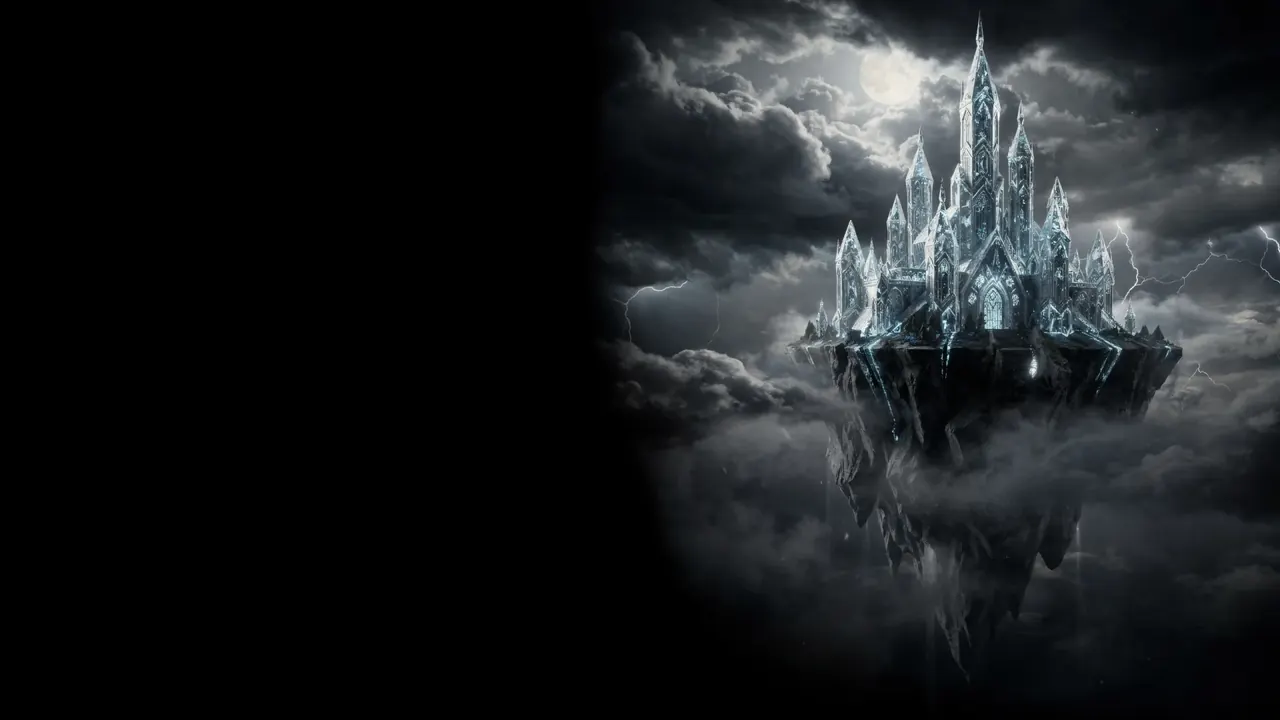
Architects use King AI to generate architectural concepts and visuals — turn a sketch, a massing model, or a reference into a cinematic concept image that communicates the idea.
Highlights
Communicate the idea, sooner.
Concept imagery that moves a project forward, without the render wait.
Concept renders
Turn a sketch or massing into a cinematic image.
Explore materials
Try facades, finishes, and contexts quickly.
Mood and light
Explore time-of-day and atmosphere in seconds.
Concept motion
Animate a concept into a short cinematic clip.
How it works
An architect's AI workflow.
Start from a sketch
Bring in a sketch, massing model, or reference.
Generate the concept
Produce a cinematic concept image of the idea.
Explore variations
Try materials, context, and lighting.
Present the vision
Export stills or a short concept clip for the client.
What you can present
Every concept asset.
Imagery and motion for the pitch.



Where it fits
Three moments a concept image pays for itself.
Not every stage of a project needs a render. These are the three where waiting a week for one costs you the argument.
Early massing
You have a sketch and a shape, and a meeting on Thursday. A cinematic concept image gets the room arguing about the idea instead of squinting at a line drawing.
Facade and material studies
Swap cladding, glazing, and surroundings on the same base image so the options are directly comparable rather than drawn on different days by different hands.
The pitch
Time-of-day and atmosphere variants, plus a short clip that moves through the concept, for the presentation that decides whether the project happens.
Honest limits
A concept tool, not a construction document.
Being straight about this is what keeps it useful: it is worth knowing exactly which drawings it can and cannot stand in for.
It communicates, it does not measure
Nothing it produces is dimensionally accurate, and it will not hold a grid, a setting-out point, or a sun path. Use it to sell the idea, not to check it.
It works from what you feed it
A hand sketch, a massing screenshot, an elevation, or a reference photo all work as a starting frame. The closer the input is to the intent, the less the model invents.
Variations are cheap, so make several
The value is in seeing five material directions side by side, not in polishing one. Generate the set, then take the strongest into your real render package.
The output is yours to deliver
Commercial usage is included on every plan and nothing is watermarked, so a concept board can go straight to a client or a planning consultation.
FAQ
Architecture, answered.
Can I render from a sketch?
Yes. Turn a sketch, massing model, or reference into a cinematic concept image.
Can I explore materials and context?
Yes. Swap facades, finishes, and surroundings with prompts.
Can I animate a concept?
Yes. Bring a concept into short cinematic motion for the pitch.
Is it licensed for client work?
Yes. Every plan includes commercial usage rights.
Does this replace a rendering package?
No. It produces concept imagery for communicating an idea, not measured or photometrically accurate renders. Most people use it before the render package, not instead of it.
What can I use as the starting image?
A hand sketch, a massing screenshot, an elevation, a site photo, or a reference image. The closer the input is to your intent, the less the model invents.
Get started
Communicate the idea sooner.
In most countries, your first video is on us: new verified accounts get one five-second video on our lowest-cost video model, once. Planning is free; use a plan or credit pack when you want to make more. Other runs show their credit cost before you generate.