AI Vector Generator
AI vector generator: describe it, get an editable SVG.

Text to Vector turns a description of a logo, icon or illustration into an SVG you can open in Figma or Illustrator, with a 2,048-pixel PNG beside it. Image to Vector does the same for a picture you already have.
What you get
A file you can keep working on.
An editable SVG
Shapes and paths, not pixels: open it in Figma or Illustrator to change colours, move parts or resize it.
Sharp at any size
A vector is drawn from shapes, so it stays crisp from a small icon to a large print.
A PNG beside it
Every vector also comes as a PNG 2,048 pixels on its long side, for places that do not take SVG.
Cleaned before it is saved
Our server strips scripts, embedded pictures and outside links from every SVG before it reaches your library.
Text to Vector
Seven models for a vector from words.
Pick a shape (1:1, 4:3, 3:4, 16:9 and 9:16) and a model. Prompts can run to 9,500 characters on Ideogram and 10,000 characters on Recraft.
| Model | Quality | Credits per vector | Pictures you can add | Colour palette |
|---|---|---|---|---|
| Ideogram Vector Low | Low | 1.3 | Up to 5 reference pictures, optional | No |
| Ideogram Vector | Medium | 1.6 | Up to 5 reference pictures, optional | No |
| Ideogram Vector High | High | 2; 3.2 with reference pictures | Up to 5 reference pictures, optional | No |
| Recraft V4.1 Vector | Standard | 0.8 | None | Up to 5 colours and a background |
| Recraft V4.1 Pro Vector | Pro | 3 | None | Up to 5 colours and a background |
| Recraft V4 Styles Vector | Standard | 0.55 | 1 to 10 style pictures, required | Up to 5 colours and a background |
| Recraft V4 Styles Pro Vector | Pro | 1.25 | 1 to 10 style pictures, required | Up to 5 colours and a background |
Every vector has a fixed price, set by its model. Ideogram Vector High costs 2 credits, or 3.2 when it carries reference pictures. A credit costs at most ~$0.40, the 25-credit pack's rate. The price shows on the button before you press.
Made in King AI
The three vectors at the top of this page.
Made with King AI on 27 October 2026. Open any SVG and zoom in: it stays sharp.
| Vector | Prompt | Model | Credits | File |
|---|---|---|---|---|
| Mountain badge | “A mountain badge emblem for a hiking club” | Ideogram Vector High | 2 | Open the SVG (228 KB) |
| Coffee cup icon | “A coffee cup icon with steam”, palette #6b3e26 and #f5e6d3, background #ffffff | Recraft V4.1 Vector | 0.8 | Open the SVG (4 KB) |
| Geometric owl logo | “A geometric owl logo” | Recraft V4.1 Pro Vector | 3 | Open the SVG (7 KB) |



Image to Vector
One picture, three ways to trace it.
No words and no shape to pick: the picture decides it. Logos, drawings and flat artwork trace cleanest. Photos work too, with more shapes.
| Model | Quality | Credits per vector | What you get |
|---|---|---|---|
| Ideogram Vectorize Simple | Simple | 1 | Fewer, simpler shapes |
| Ideogram Vectorize | Detailed | 1 | Keeps fine detail |
| Recraft Vectorize | — | 0.1 | A clean SVG in the picture's shape |
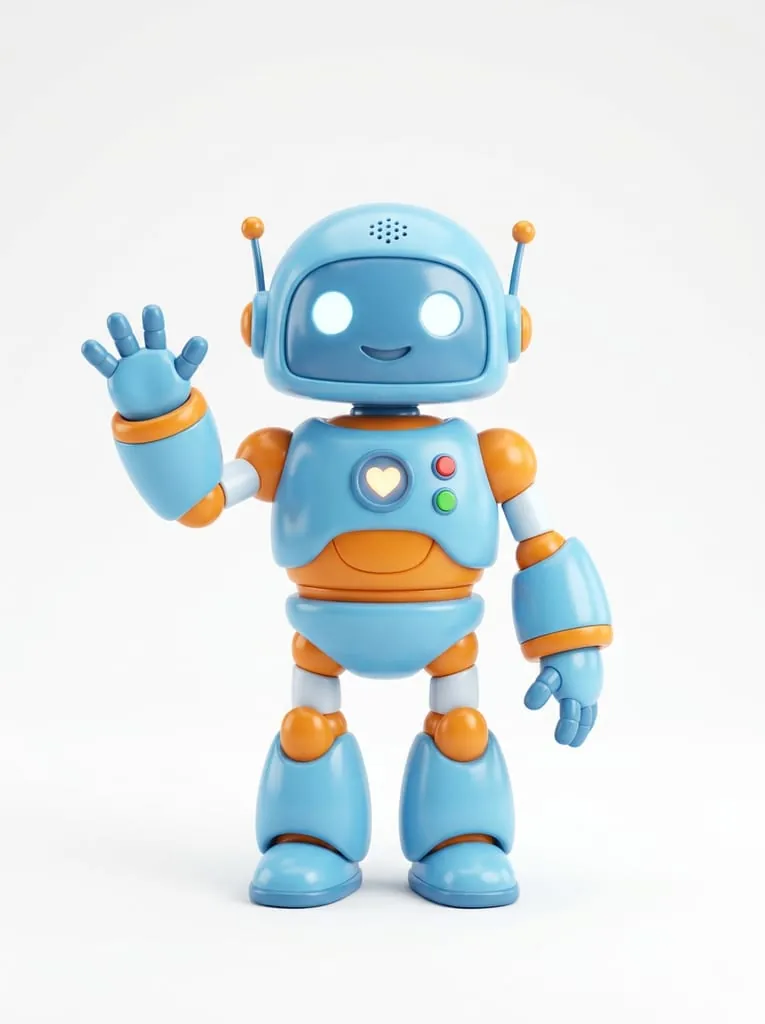
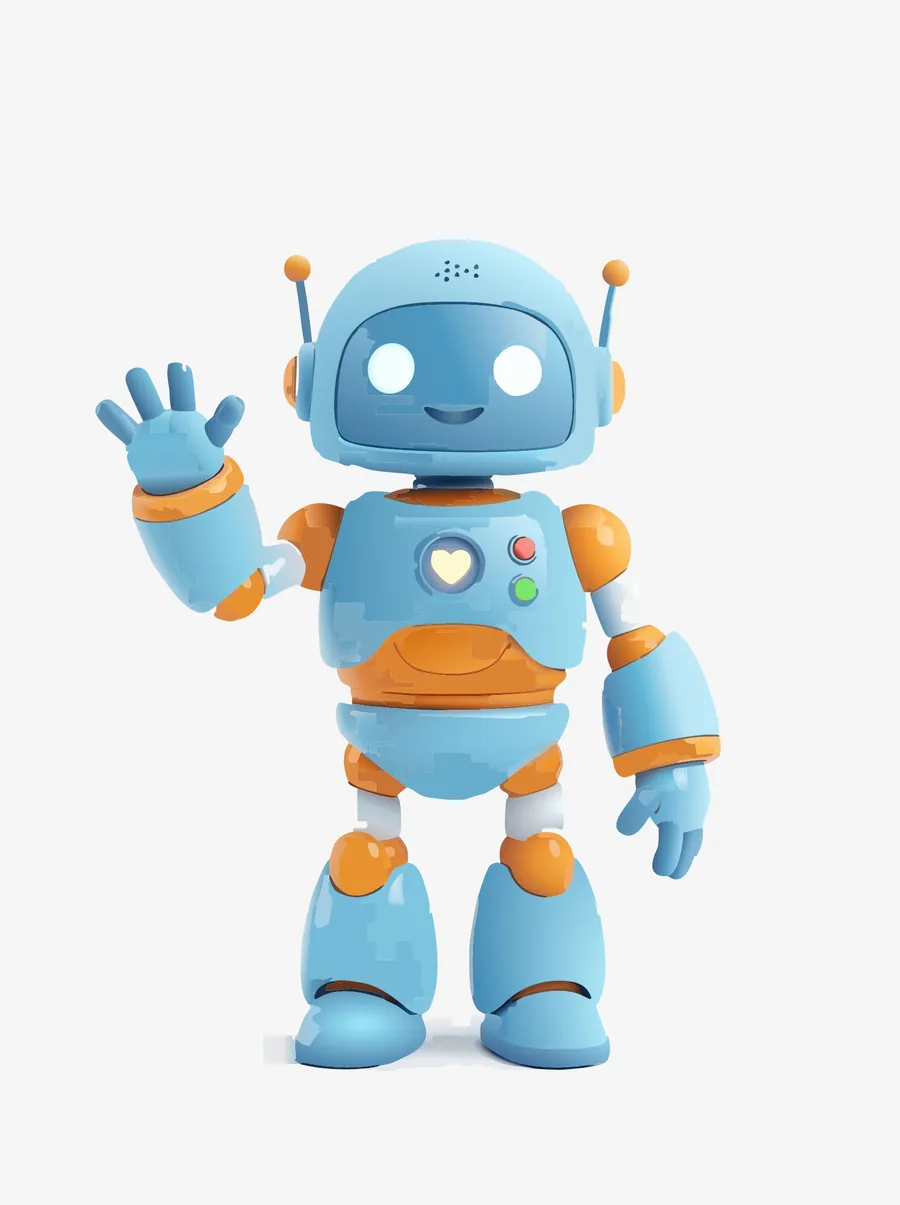
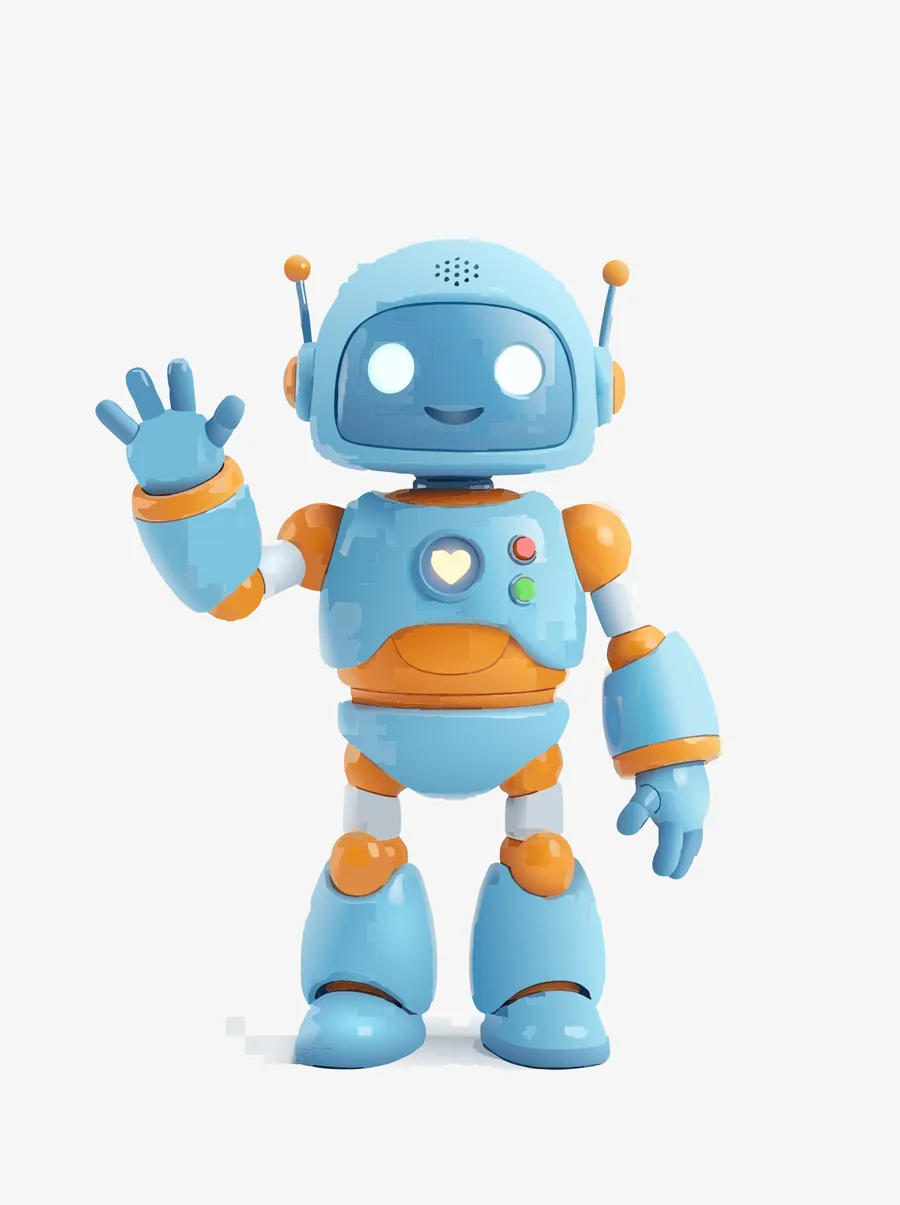
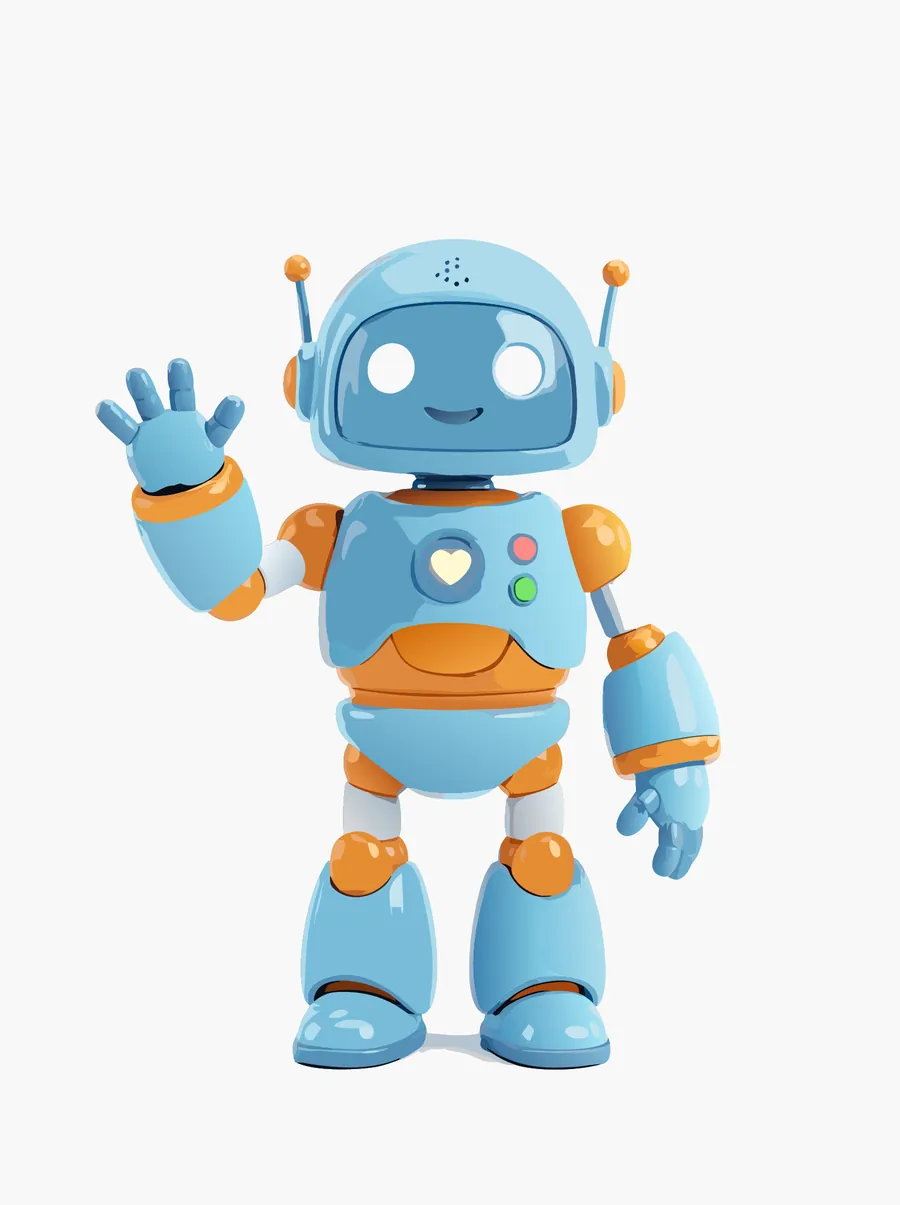
One picture through the three Image to Vector models, 27 October 2026. Each frame after the first is the PNG saved beside the SVG.
How it works
From an idea to an SVG in four steps.
Pick the tool
Text to Vector to start from words, Image to Vector to start from a picture.
Describe it, or add the picture
For Text to Vector, name the subject and the style, as in “a geometric owl logo”. For Image to Vector, add a logo, drawing or photo.
Choose the model and its extras
Pick a model and, for Text to Vector, a shape. The four Recraft models take up to 5 colours and a background; Ideogram Vector takes up to 5 reference pictures; Recraft V4 Styles Vector needs 1 to 10 style pictures. The price shows on the button.
Download it
Download SVG for your design app, or Download PNG. On the web, Copy SVG code puts the markup on your clipboard.
Keep exploring
Where vectors fit in.
AI Image Generator
Need a photo or a painting rather than a vector? Start there.
ExploreAI Image Editor
Cut a subject out of its background, then bring it to Image to Vector.
ExploreGraphic design
Concepts, moodboards and assets for design work.
ExploreEvery King AI tool
The full list of creation tools, by medium.
ExploreFAQ
AI vectors and SVGs, answered.
What is an AI vector generator?
It makes vector graphics: SVG files drawn from shapes and paths instead of pixels, so they stay sharp at any size. In King AI it is two tools. Text to Vector draws a logo, icon or illustration from your description; Image to Vector turns a picture you already have into an SVG.
Can I edit the SVG in Figma or Illustrator?
Yes. Download SVG gives you the file to open in Figma, Illustrator or any editor that reads SVG, where you can change colours, move shapes or resize it. Download PNG gives you a picture 2,048 pixels on its long side, and on the web you can also copy the SVG code.
How much does a vector cost?
Every vector has a fixed price, set by its model. Text to Vector costs 0.55 to 3.2 credits a vector, by model; Ideogram Vector High costs 2 credits, or 3.2 when it carries reference pictures. Image to Vector costs 0.1 to 1 credits a vector. A credit costs at most ~$0.40, the 25-credit pack's rate. The price shows on the button before you press.
Which Text to Vector model should I pick?
Ideogram Vector, in three qualities: “Editable SVG logos, icons and illustrations, with accurate text”; the only family that takes reference pictures. Recraft V4.1 Vector, in two qualities: “Layered SVGs with clean geometry, ready for Figma or Illustrator”, in your colours if you set them. Recraft V4 Styles Vector, in two qualities: a new SVG in the look of 1 to 10 pictures you add. Try one idea on two models and keep the one you like.
Can I turn a photo or a PNG logo into an SVG?
Yes, with Image to Vector: add the picture and pick one of three models; there are no words to write and no shape to pick, because the picture decides it. Logos, drawings and flat artwork trace cleanest. Photos work too, with more shapes. It costs 0.1 to 1 credits a vector.
Is the Vector studio on iPhone, iPad and Mac?
Text to Vector and Image to Vector are in the web studio now. On iPhone, iPad and Mac they come with version 10.3.0 of the King AI app.
Is it free to try?
In most countries, your first video is on us: new verified accounts get one five-second video on our lowest-cost video model, once. If you would rather start here, an Ideogram Vector run at Medium quality is covered instead. Nothing is watermarked on any plan.
Get started
Make your first vector.
In most countries, your first video is on us: new verified accounts get one five-second video on our lowest-cost video model, once. If you would rather start here, an Ideogram Vector run at Medium quality is covered instead.