AI Tools
The tools to finish the thought.

Animate a photo. Extend a shot. Add a voice. Pick the part of your project you want to work on next.



No matches. Try a shorter search or clear the filter to see everything.
Video
Video tools.
Everything for generating, editing, and finishing motion.

Text to Video
A sentence becomes a cinematic clip.

Image to Video
Animate a photo with smooth motion.

Reference to Video
Match the style of any reference.

Start & End Frame
Define the in-between from two keyframes.
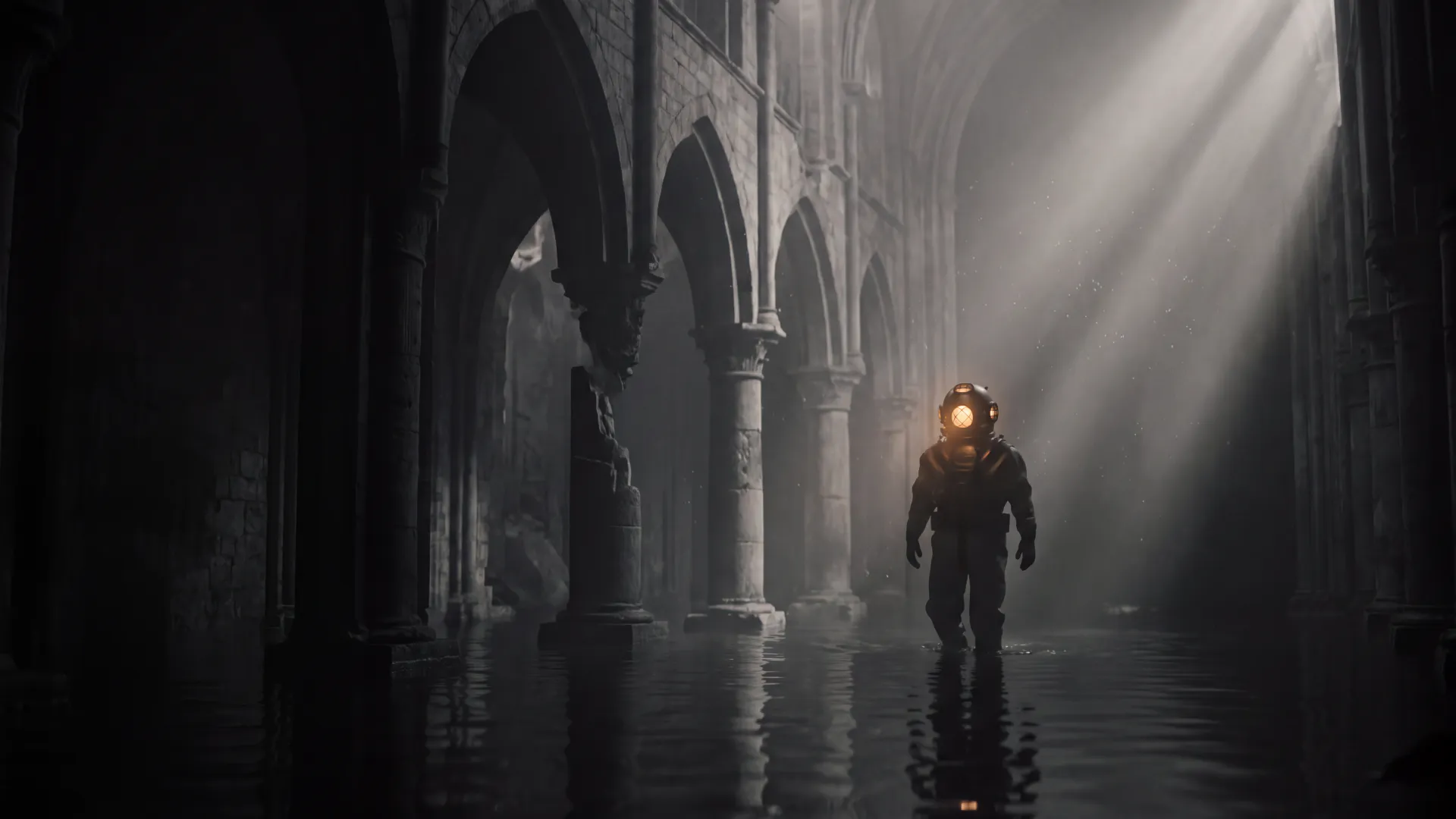
AI Video Editor
Restyle, re-cut a long talk into short clips, and add subtitles.

AI Video Extender
Continue a clip up to 15 seconds a run.
Image
Image tools.
Generate and perfect every visual.

AI Video Effects
200+ viral one-tap templates.

AI Image Generator
Photoreal, illustration, and concept art.
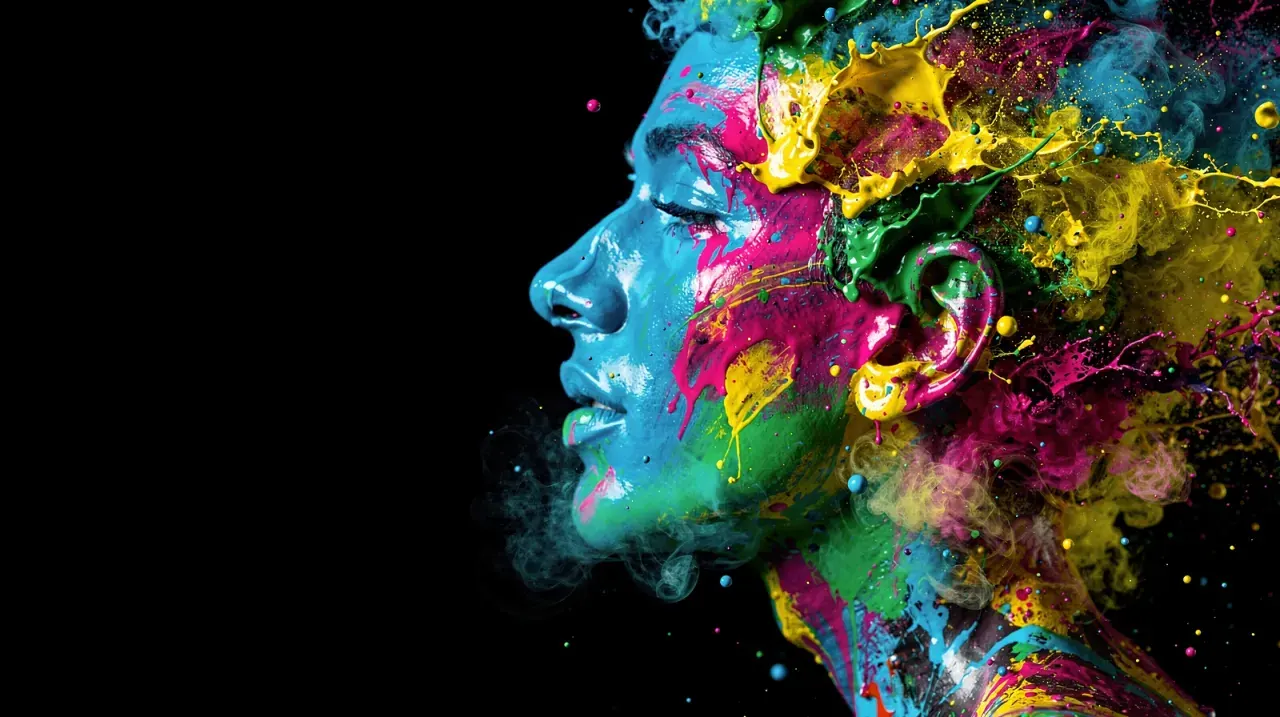
AI Image Editor
Edit, retouch, and restyle any image.

Upscale 4K
Enhance resolution without losing detail.

Background Removal
Cut out subjects, swap backgrounds.
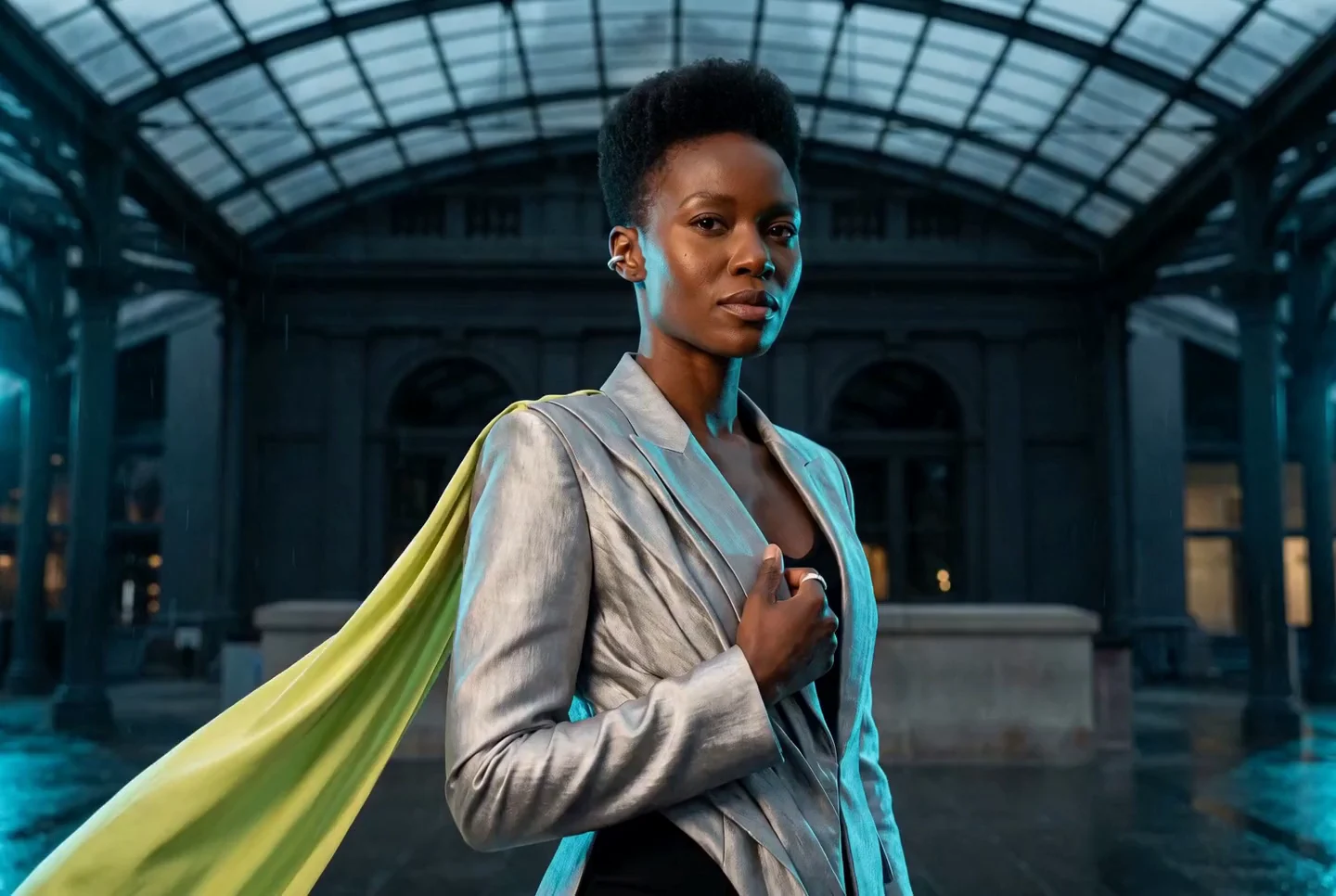
Style Transfer
Apply a reference look to your photos.
Vector
Vector tools.
Logos, icons and illustrations as editable SVG files.

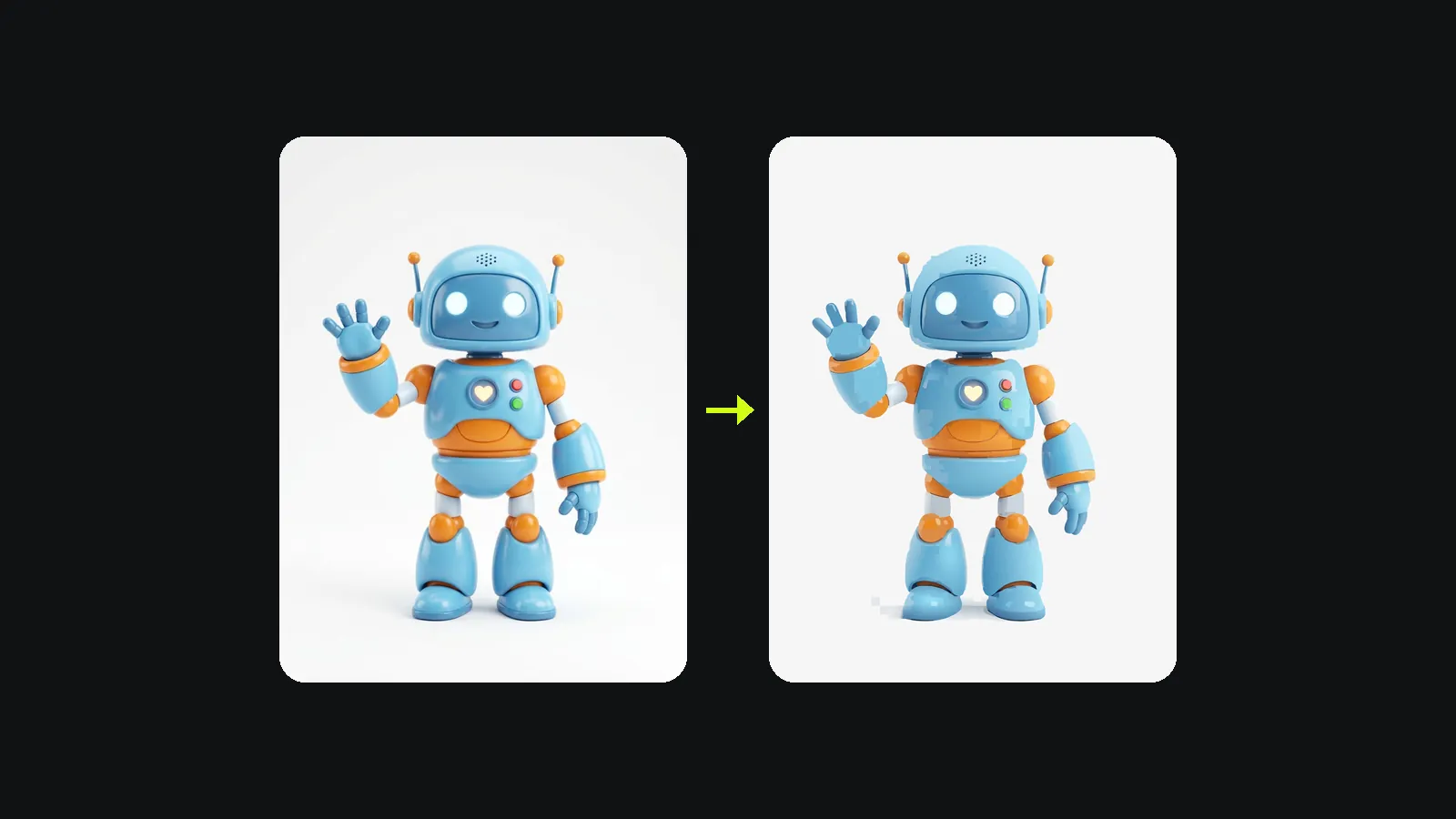
3D
3D tools.
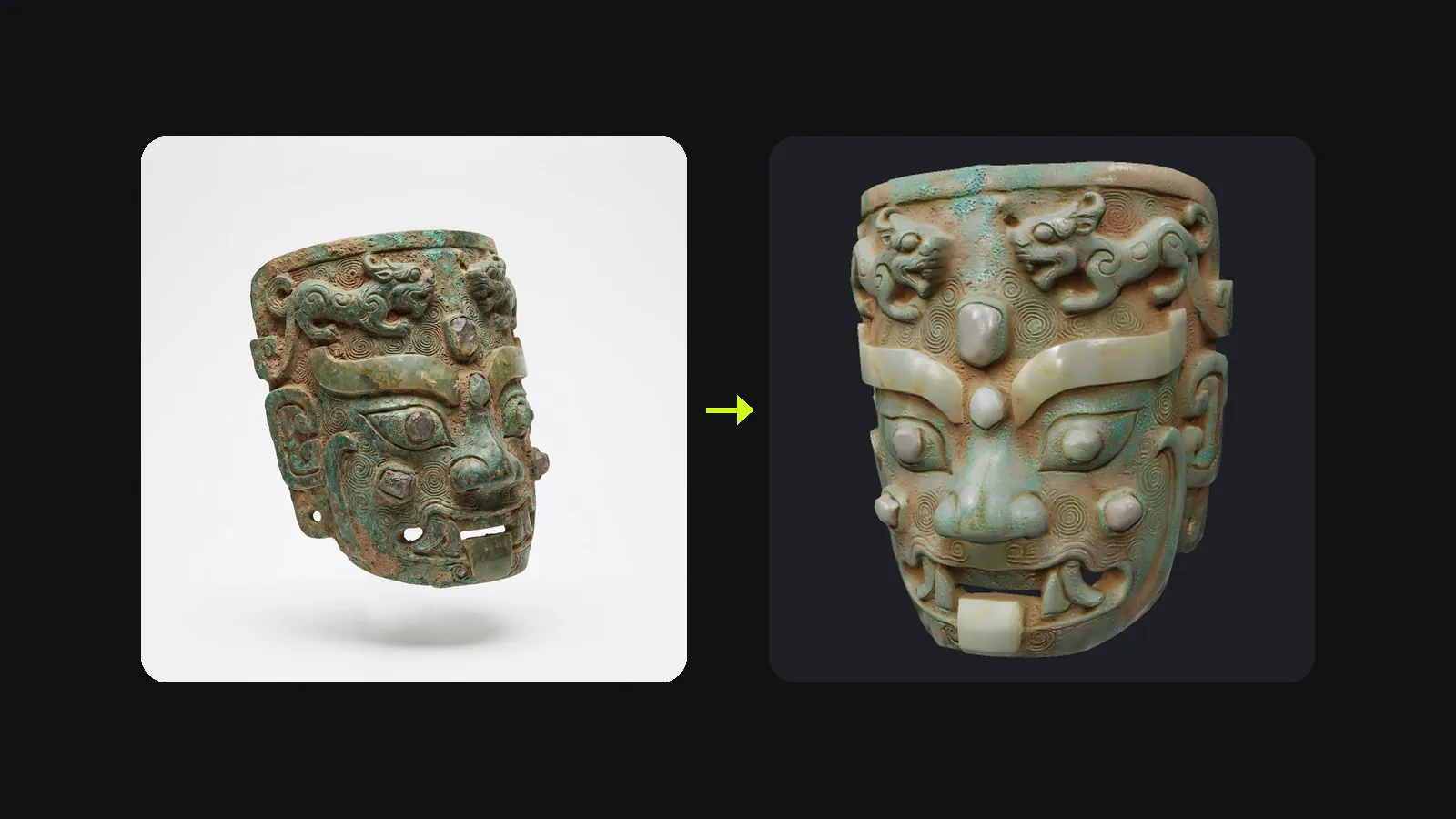
Textured 3D models of one object. On the web, download them as GLB, USDZ, STL or OBJ, or view them in your room on a supported phone.

Audio
Audio tools.
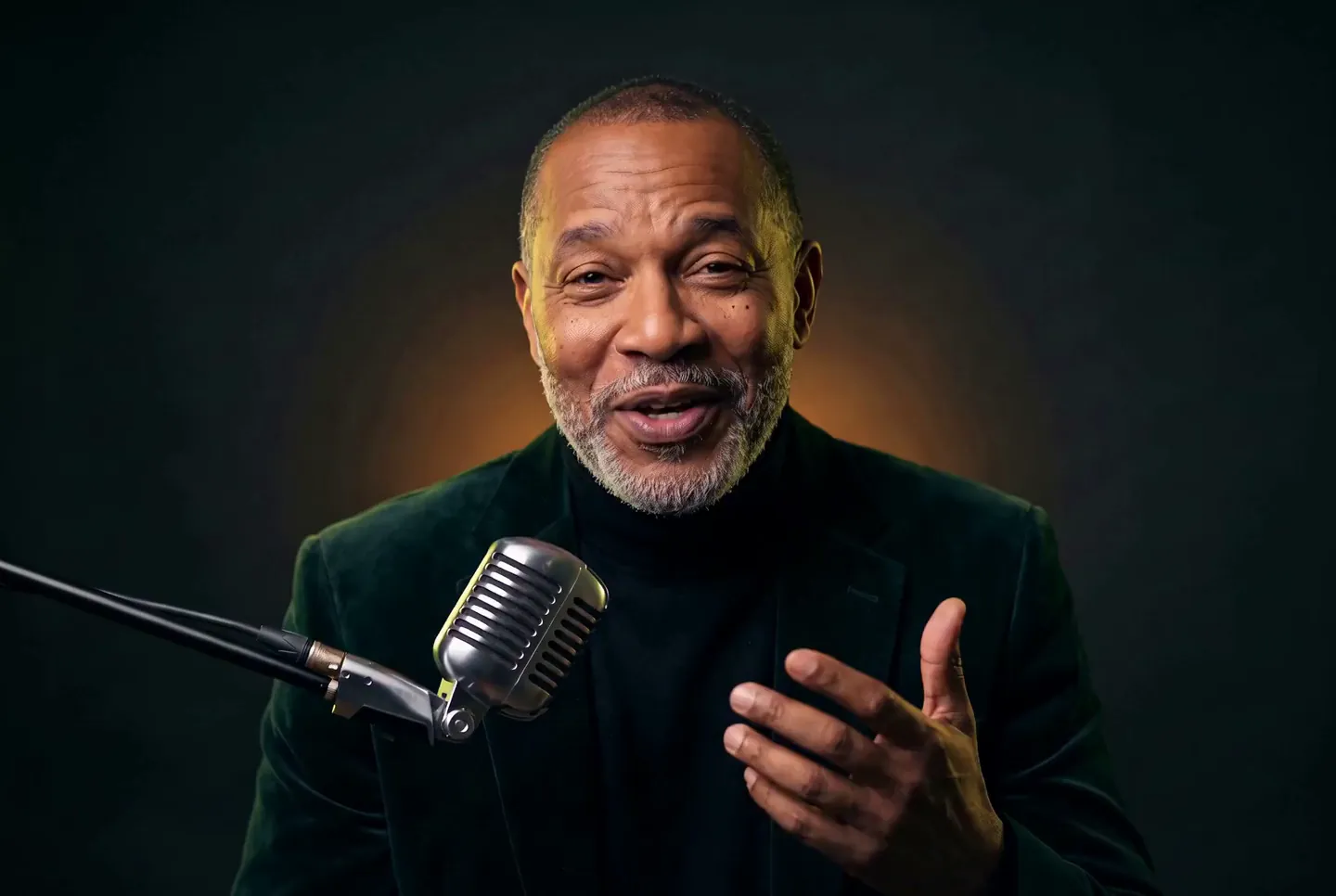
Score, narrate, and design sound.


Models
Every engine, one app.
Switch models per generation, run several at once, and compare results side by side.
FAQ
King AI tools, answered.
How many tools does King AI include?
17 tools across video, image, vector, 3D, audio, and editing — text-to-video, image-to-video, reference-to-video, start-and-end-frame, video editor, video extender, video effects, image generator, image editor, 4K upscaler, background removal, SVG vector generator, text-to-3D, image-to-3D, AI music, text-to-speech, and sound effects.
Do I need a separate subscription for each tool?
No. Every premium plan unlocks every tool. You spend credits based on the cost of each generation, and unused credits roll over.
Do the tools work together?
Yes. Generate a video, then edit it, extend it or upscale it in the same app. Music, voice and sound effects are made there too, each as its own track.
Are the tools available on the web?
Yes. The full tool set is in the web studio at app.kingaivideo.app and in the native apps; the two Vector tools are in the app on iPhone, iPad, Mac and Android (version 10.3.0 or later on Apple devices).
Get started
One app for the web, iPhone, iPad, Mac and Android.
Planning is free; use a plan or credit pack when you want to make more. Every run shows its credit cost before you generate.