King AI turns any photo into a moving, breathing video. Animate a portrait's smile, set a landscape in motion, spin a product shot, or revive an old family photo — describe the motion or pick a one-tap effect, and generate.
Any photoOne-tap effectsVeo · Kling · SeedanceUp to 4KFirst video on us in most countries
Made in King AI
One photo in, a moving shot out.
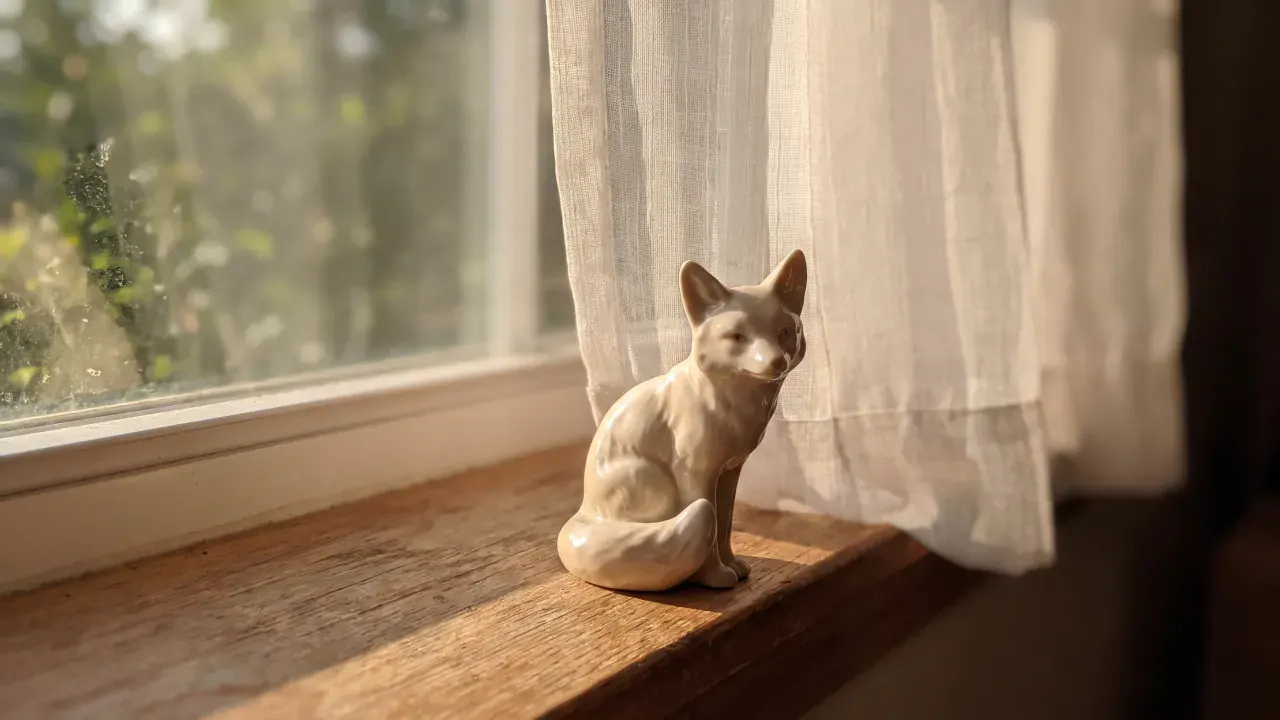
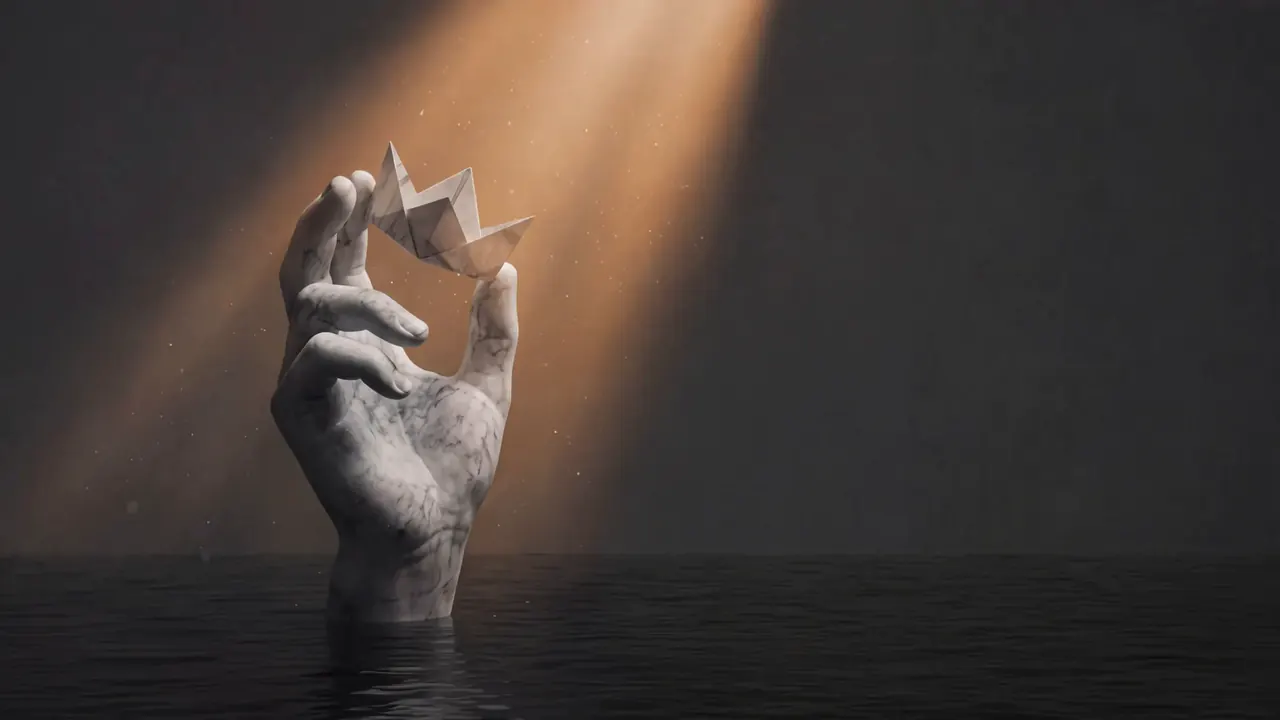
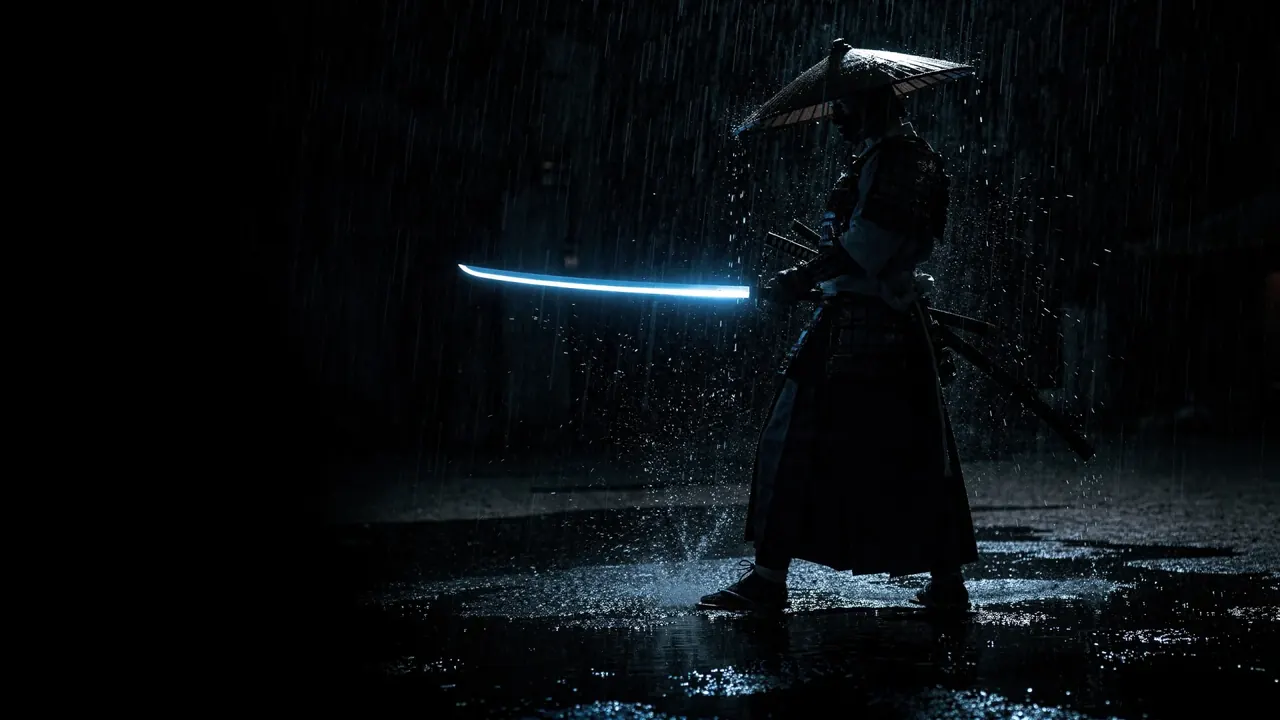
Each of these started as a single still. The models add the motion, the light and the camera move.
A small ceramic fox sitting on a sunlit wooden windowsill beside a linen curtain, greenery blurred outside.A carved stone hand rising out of still water holding a folded paper crown, in a shaft of warm light.A samurai in silhouette standing in heavy rain on wet ground, drawing a sword that glows pale blue.
Frames from image-to-video generations.
Highlights
Natural motion from a single frame.
The latest video models understand what's in your photo — people, pets, fabric, water, light — and animate each element the way it moves in real life.
Portraits that breathe
Subtle smiles, blinks, and head turns that keep the person recognisably themselves.
Old photos, revived
Restore and animate vintage family photos into living memories.
One-tap effects
Hugs, dances, muscle surge, Ghibli style — 200+ viral effects that work on any photo.
Camera moves
Add cinematic push-ins, orbits, and parallax to still shots.
Upload a clear image you have permission to use. Describe what should move and what should stay still. The selected model determines the available duration, framing, and audio controls.
A product detail shot
Slow camera push-in toward the product. Keep its shape, color, and position consistent. Soft highlights move across the surface. The background stays still. A single controlled studio shot.
Review logos, labels, and product geometry before using the clip in a listing or ad. Image guidance is not a guarantee of exact reproduction.
A gentle breeze moves the leaves and grass. Small clouds drift slowly across the sky. Keep the horizon and buildings stable. A subtle forward camera movement, natural daylight.
Start with subtle motion to reduce distortion. Use the start and end frame tool when your shot needs a specific destination.
Suggested starting briefs, ready to edit. Opening the studio does not generate or spend credits. Sign in when you are ready, choose a model, and review its credit cost before generating.
Upload the photo, describe the motion you want (or pick a one-tap effect), choose a model, and generate. King AI animates the photo into a moving clip in about a minute.
What kind of photos work best?
Almost anything: portraits, pets, products, landscapes, old family photos, illustrations, and AI art. Clear subjects and good lighting give the best motion.
Can I animate old family photos?
Yes — it's one of the most popular uses. Bring old portraits to life with subtle natural motion like smiles, blinks, and gentle camera movement.
Is image to video the same as photo to video?
Yes — they are two names for one capability. You hand the model a still frame instead of only a text prompt, and it generates the motion from it. This page covers both. Text to video is the alternative when you have no image to start from.
How long can the videos be?
Generate 5–10 second clips, then chain the AI Video Extender to reach 60 seconds or more while keeping the look consistent.
Is photo-to-video free to try?
In most countries, your first video is on us: new verified accounts get one five-second video on our lowest-cost video model, once. Other runs show their credit cost before you generate. Nothing is watermarked on any plan.
Get started
Animate your first photo.
In most countries, your first video is on us: new verified accounts get one five-second video on our lowest-cost video model, once. Other runs show their credit cost before you generate.