AI Video Effects
An ordinary photo. An unexpected turn.
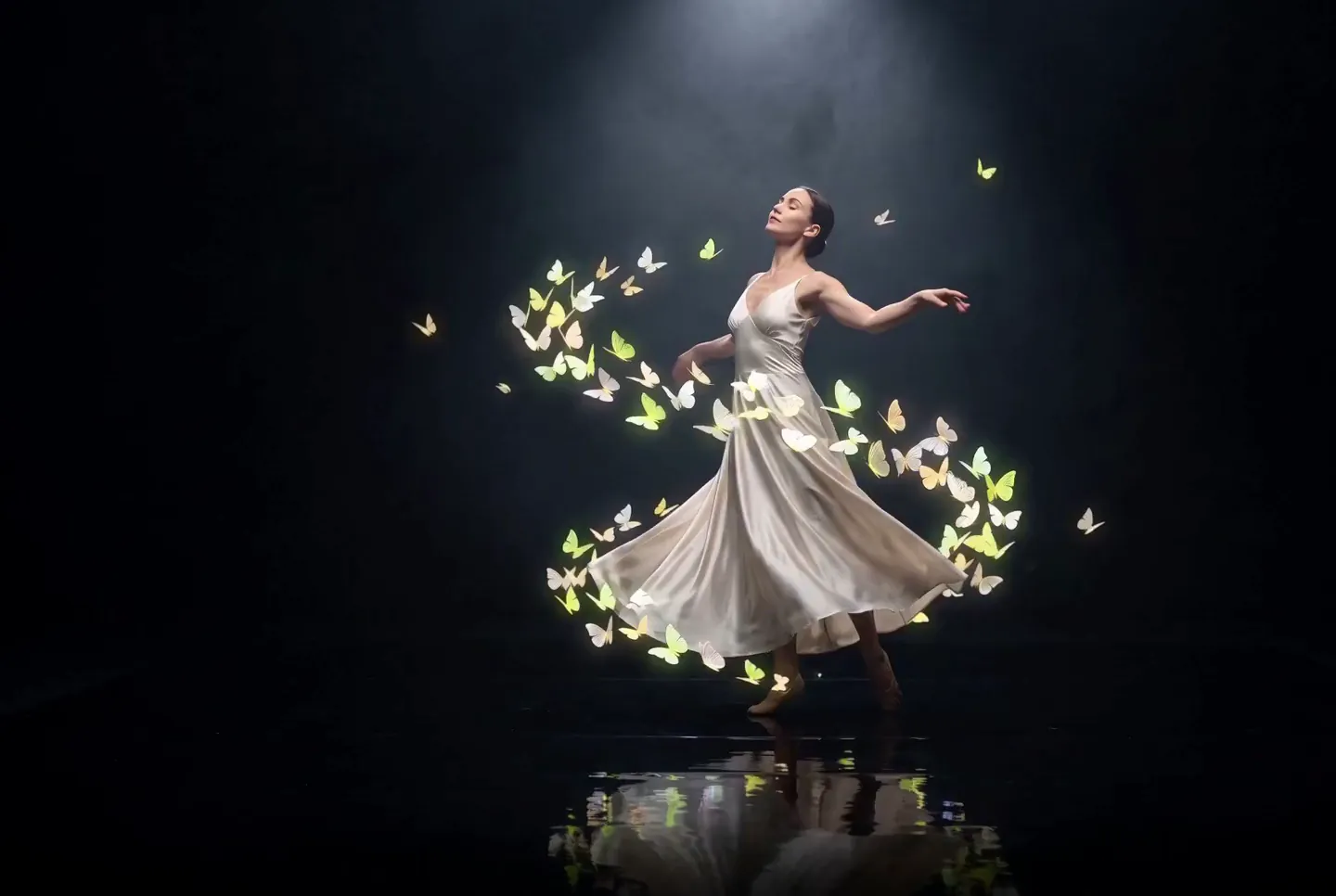
Explore ready-made effects with visual previews and clear input requirements. Choose a look, upload your photo, and review the settings before you run it.
Made in King AI
One tap, and the photo changes.
Effects run on your own photo. These are frames from the results.
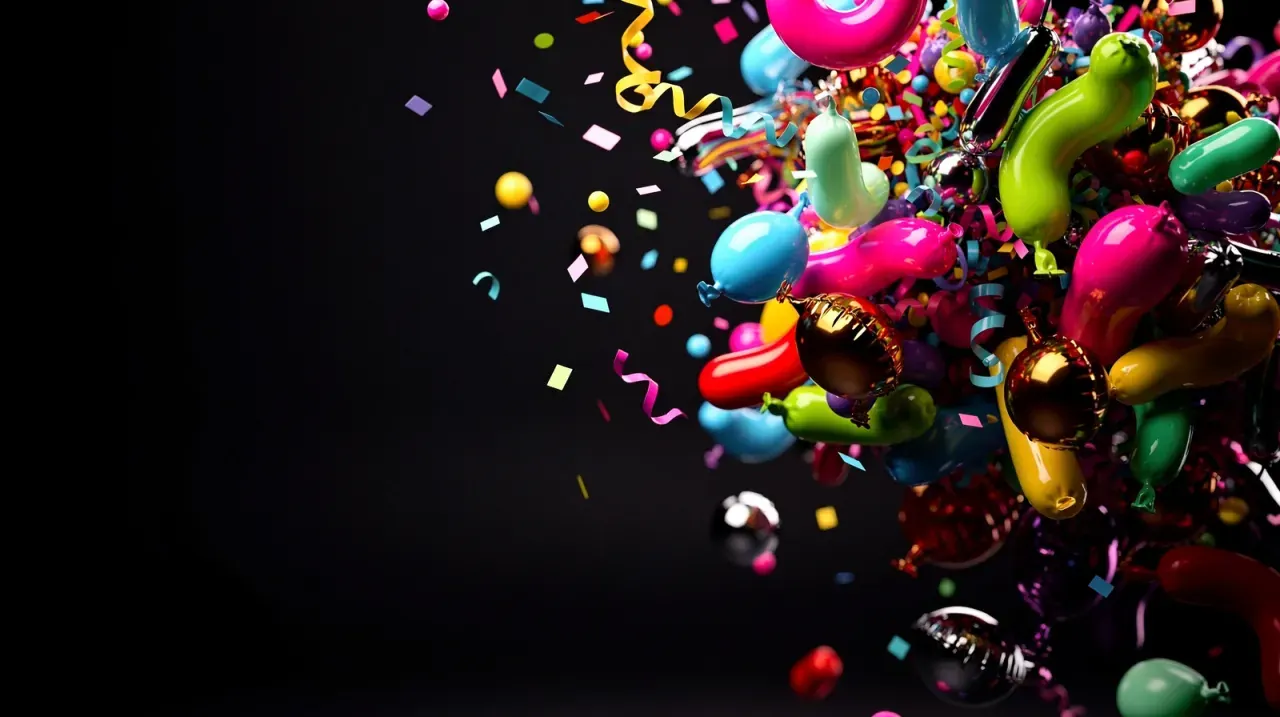
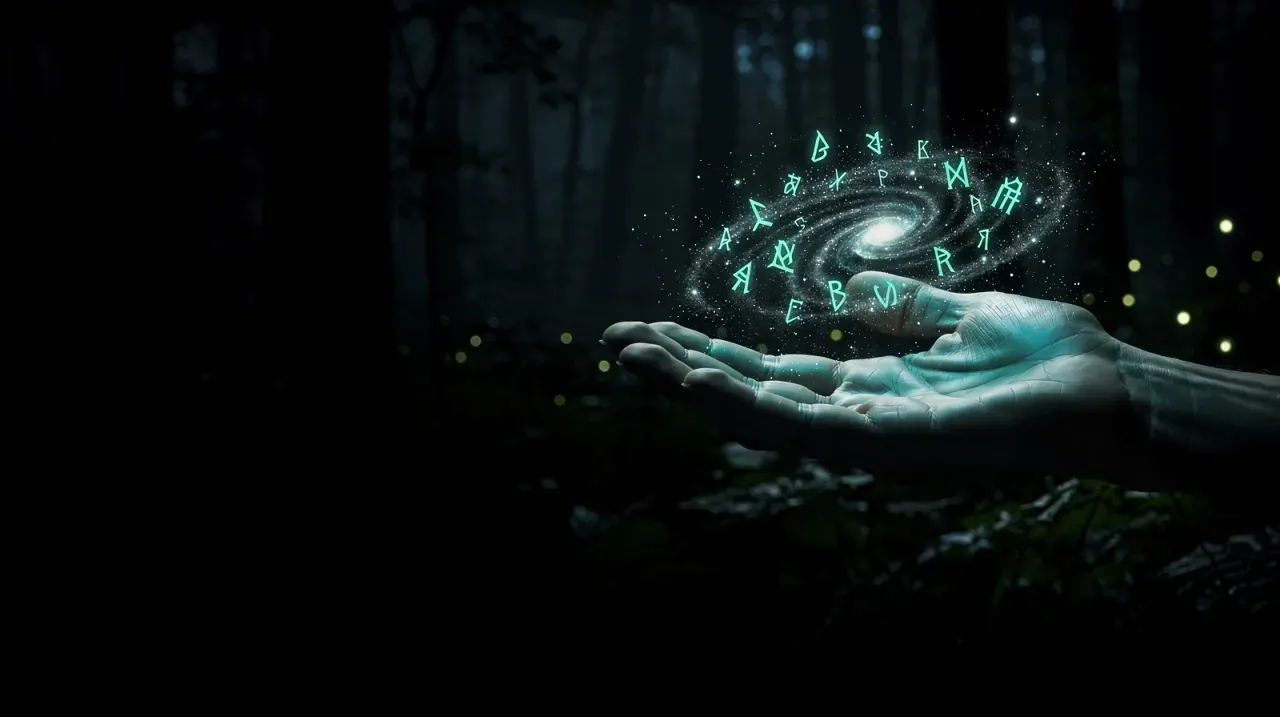
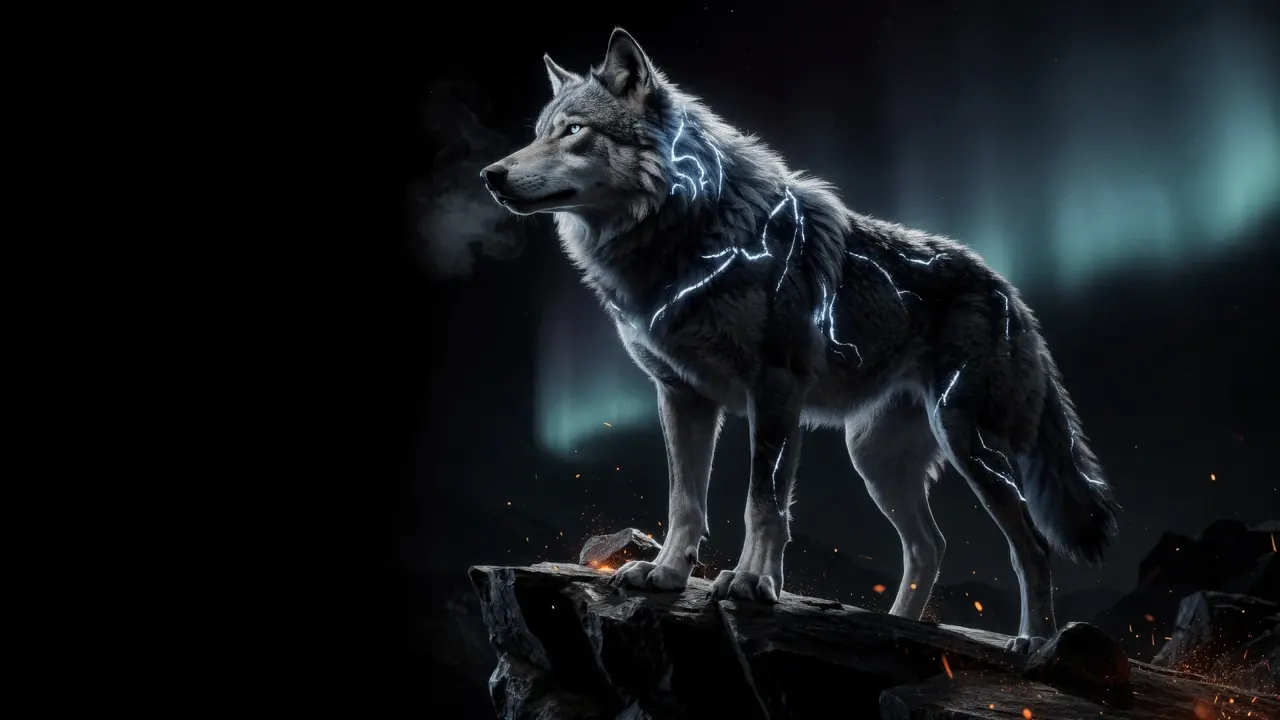
Effect output. Each one runs from a single source photo.
Highlights
One photo becomes a week of content.
Every effect is a tuned, one-tap template — no prompt engineering, no timeline, no editing.
One-tap animation
Drop in a photo, tap once, and King AI animates the moment.
Built for what's viral
A Trending group sits beside eleven others.
Made for one kind of photo
Each effect does one thing, such as a gown or a product reveal, and its page says what to upload.
Clean on every plan
Export with no watermark and full commercial rights.
Capabilities
Twelve effect categories, 200+ looks.
From viral trends to Hollywood camera moves — browse by mood and find the look your post needs.
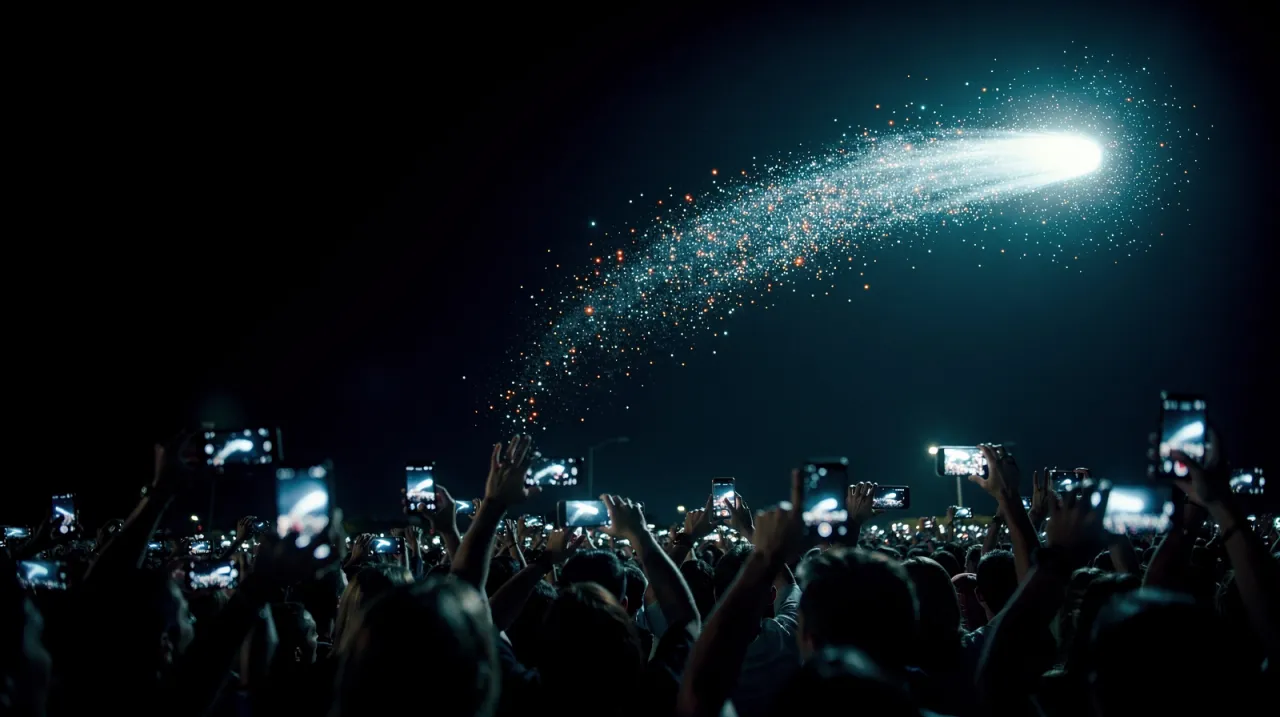
Trending
Re-ranked every day by how fast each effect's use is growing.
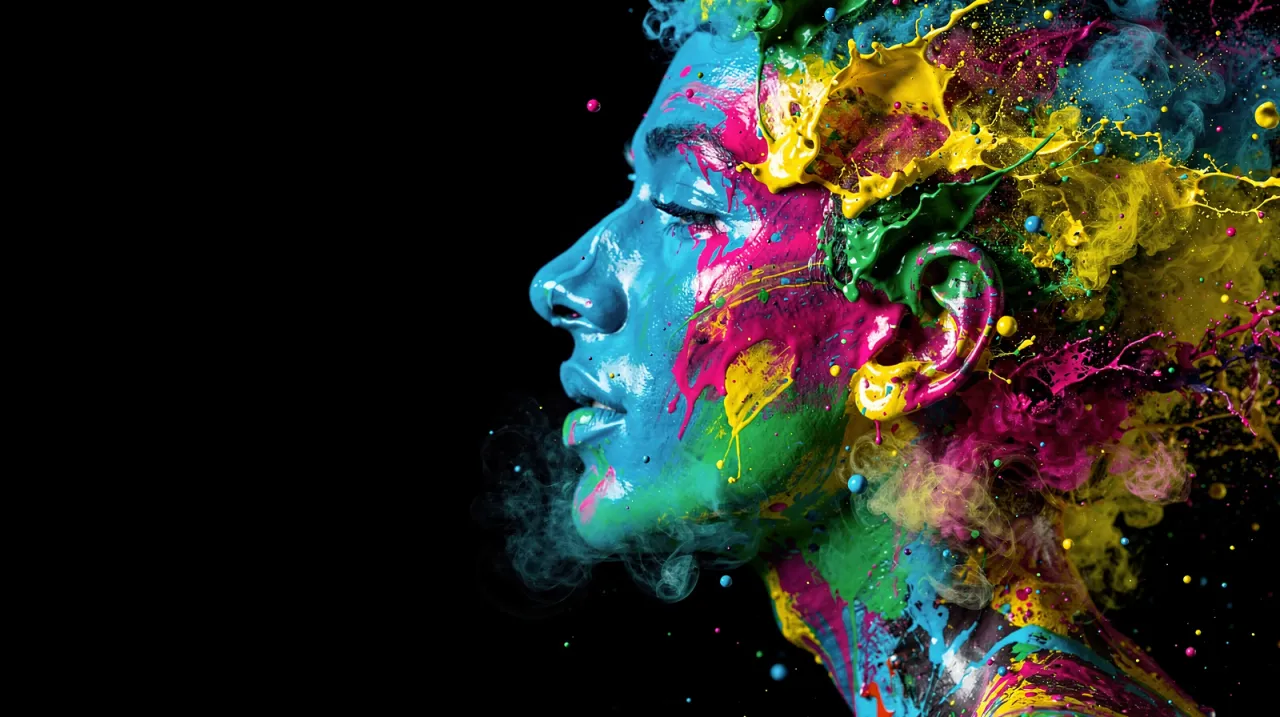
Art & Style
Ghibli, Clayshot, American Comic, Toy Me, Pixel World — 16 templates.
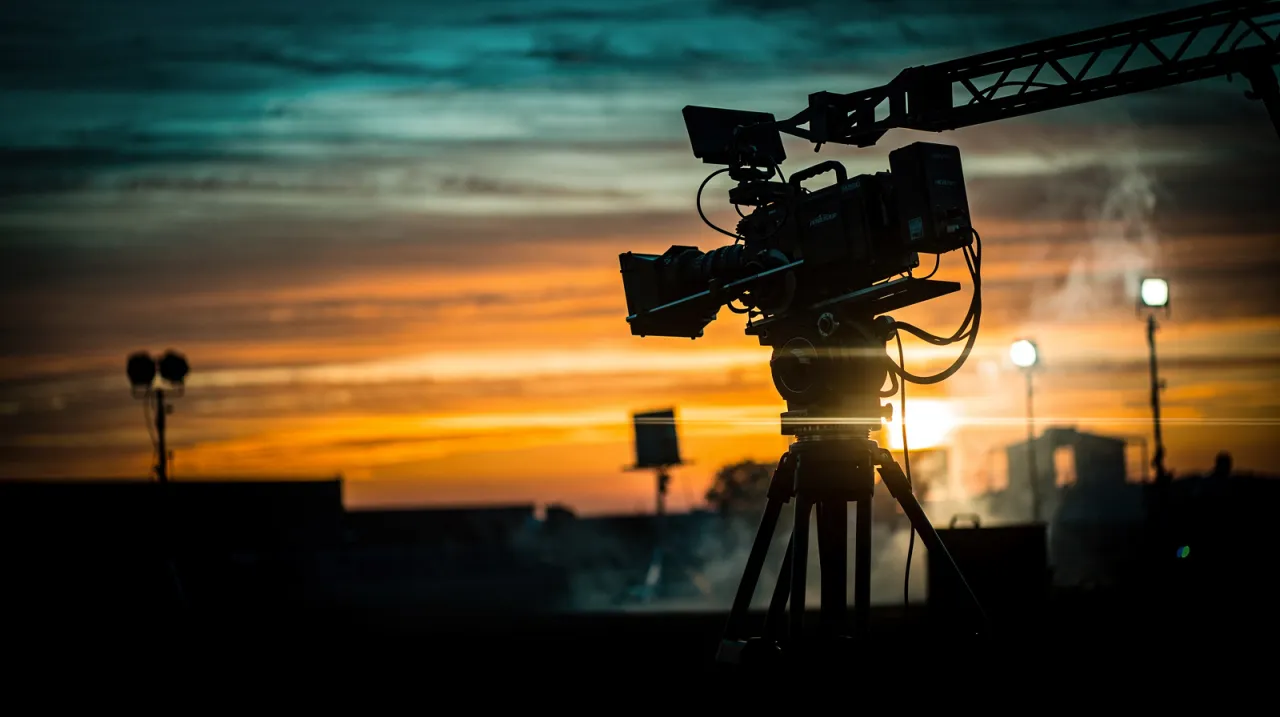
Cinematic
Hitchcock Dolly Zoom, Earth Zoom, Pilot, Live Memory — 8 camera moves.
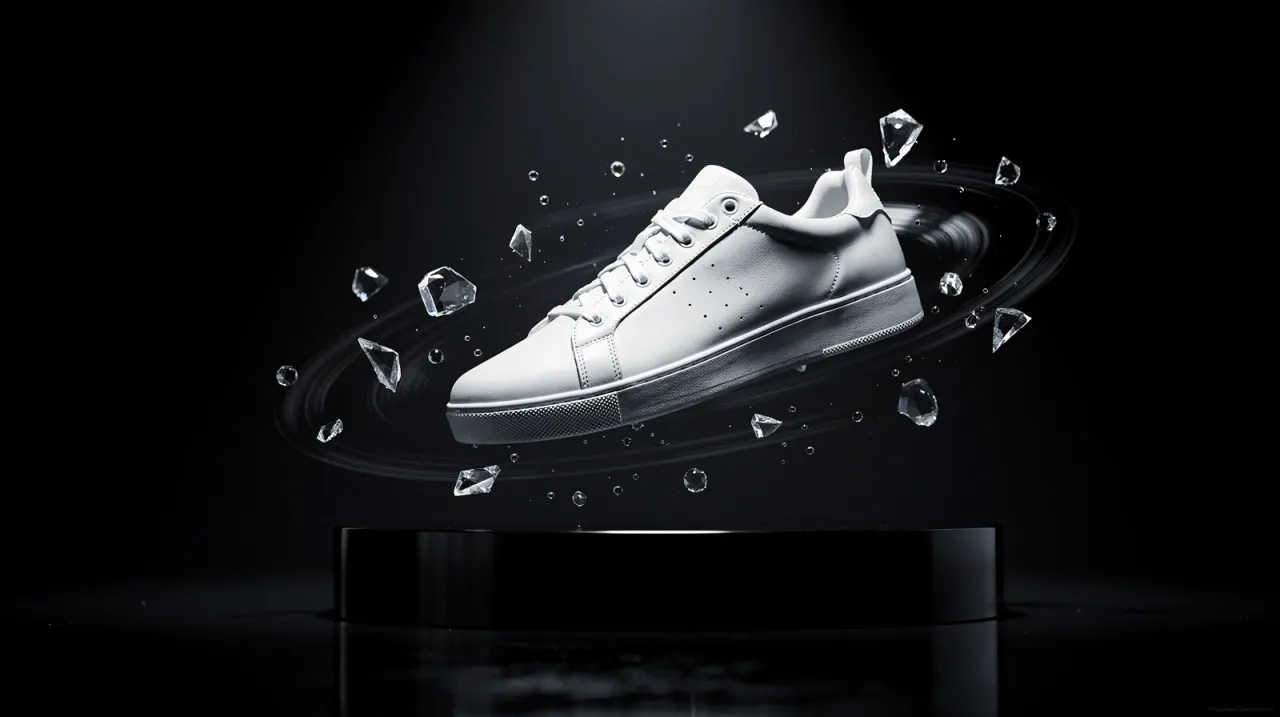
Product & Ads
Giant Product, Billboard Ad, Beach Ad — 18 product effects.
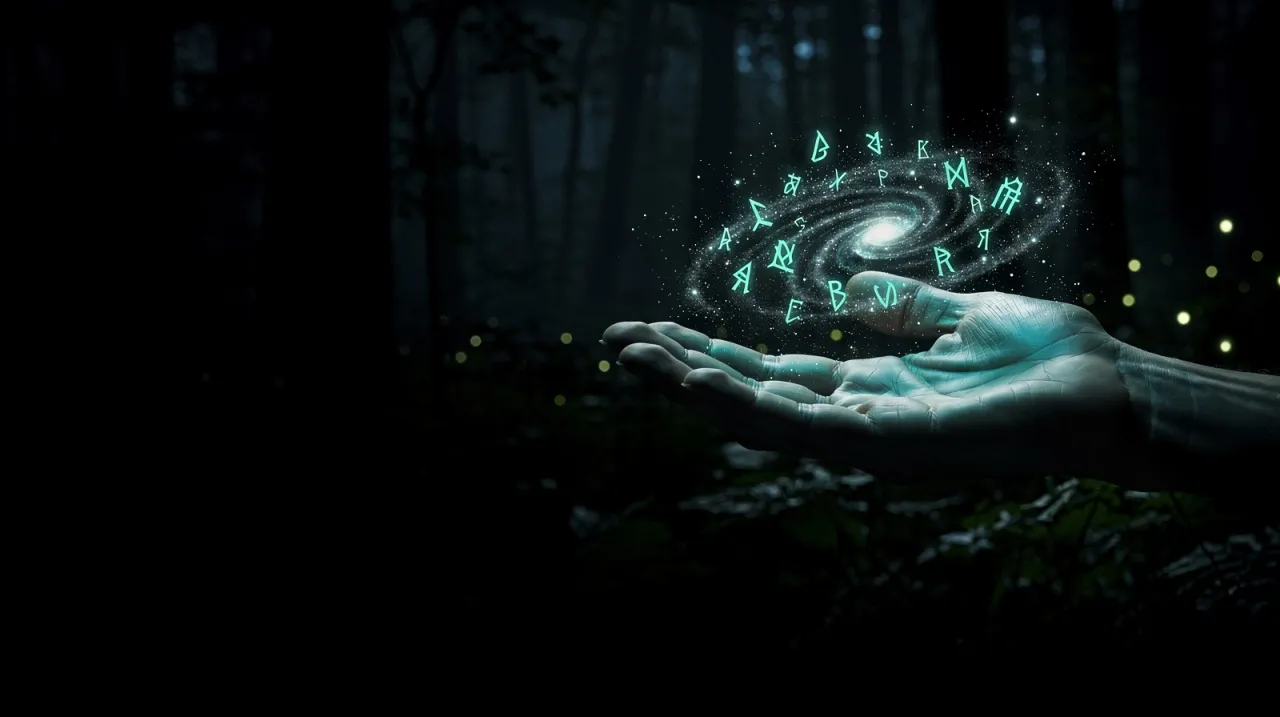
Fantasy & Magic
Holy Wings, Dragon Evoker, Mermaid, Liquid Metal — 23 templates.
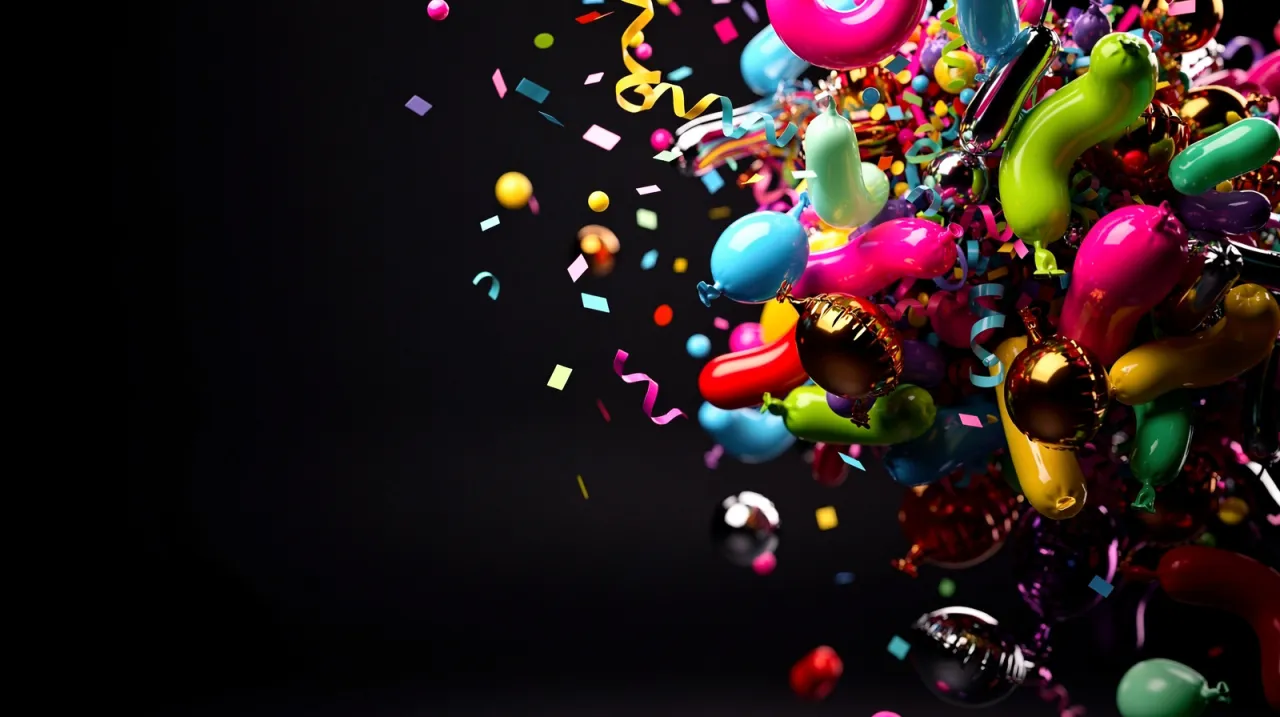
Fun & Viral
Gender Swap, Flying, Pet to Human, Aliens Coming — 42 meme-ready looks.
Effect guides
Eight of the effects with a page of their own.
Each guide shows the effect running, explains what it does to your photo, and answers what it costs.
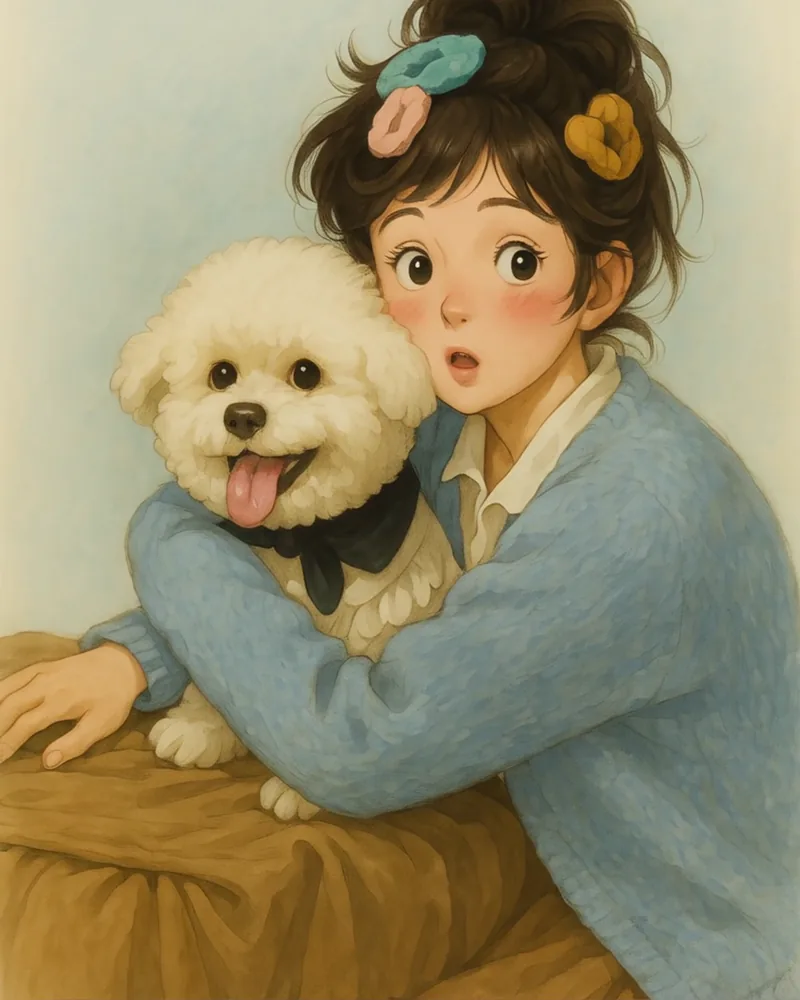
Ghibli
Hand-drawn warmth and soft pastels, from one photo.
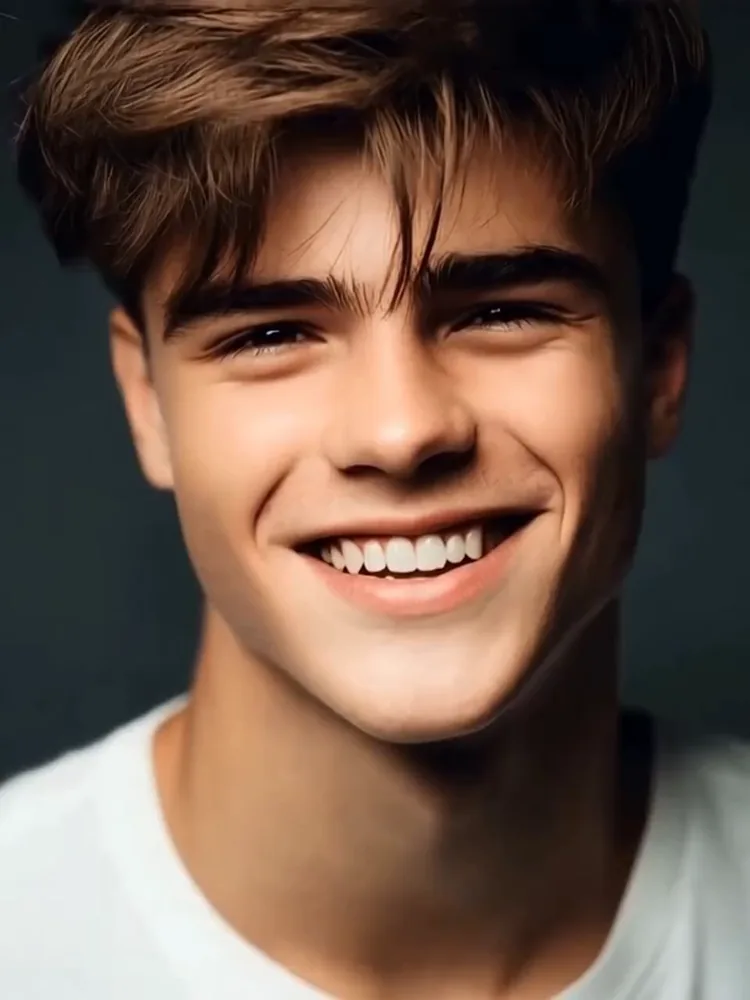
Zombie Mode
A one-tap zombie transformation of a portrait.
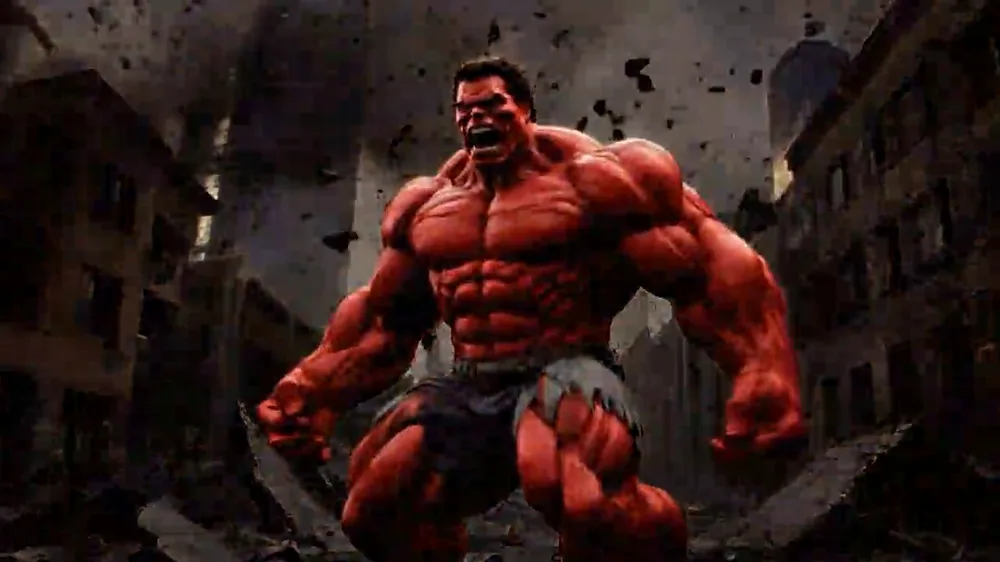
Hulk
A muscular, green-skinned superhero reveal.

Hug
Two people in one photo, drawn into one embrace.
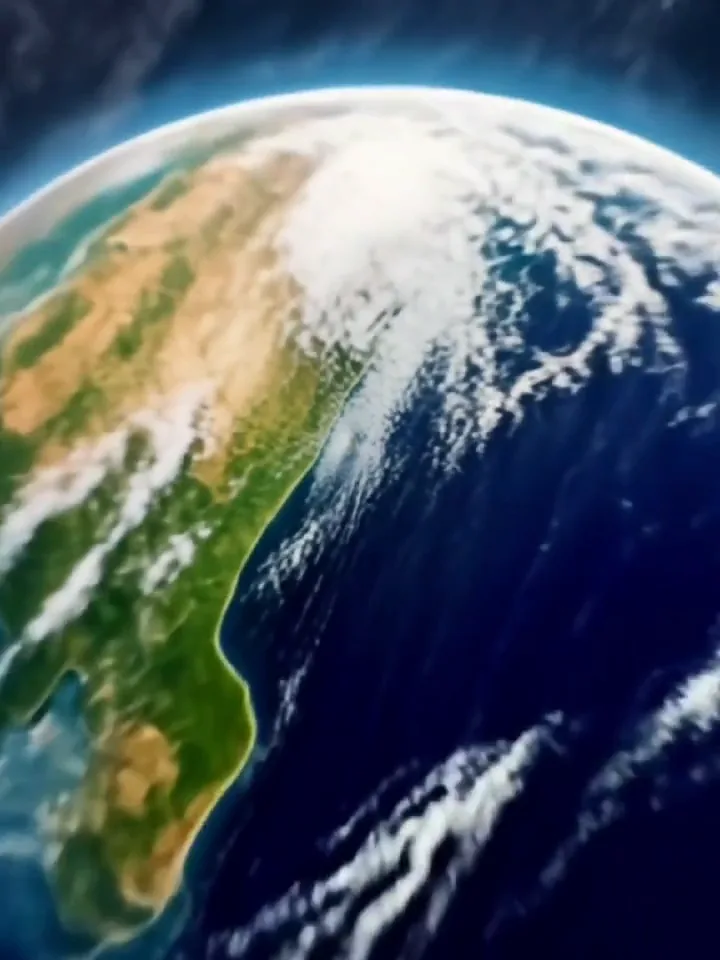
Earth Zoom
One continuous pull-back from close-up to whole planet.
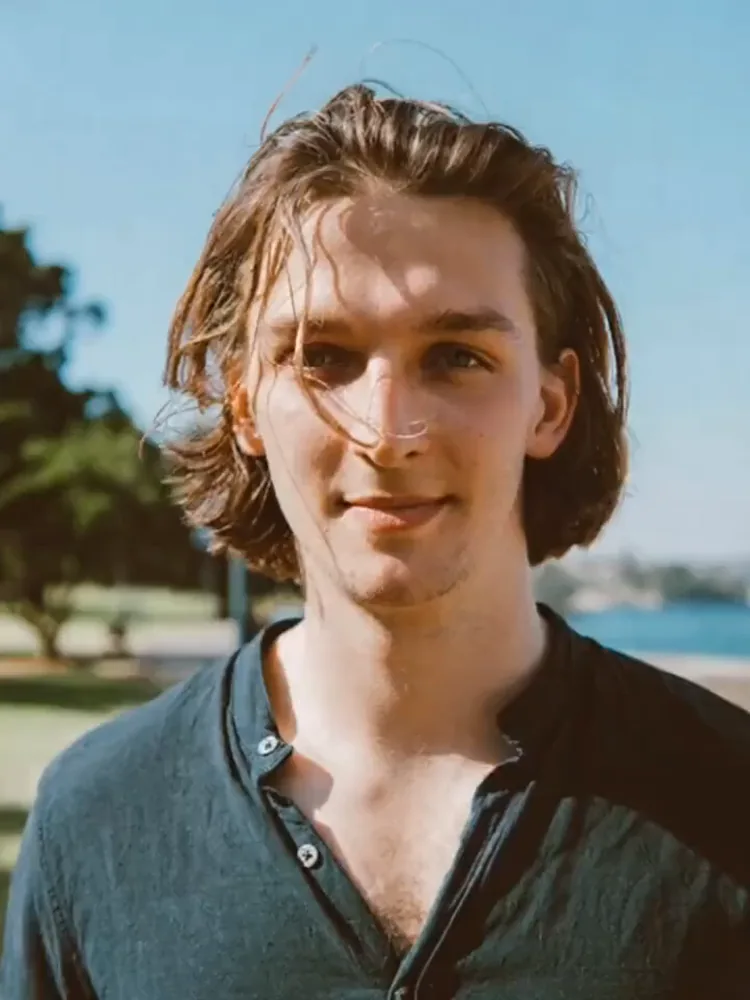
Baby Face
See yourself as a child, from one photo.
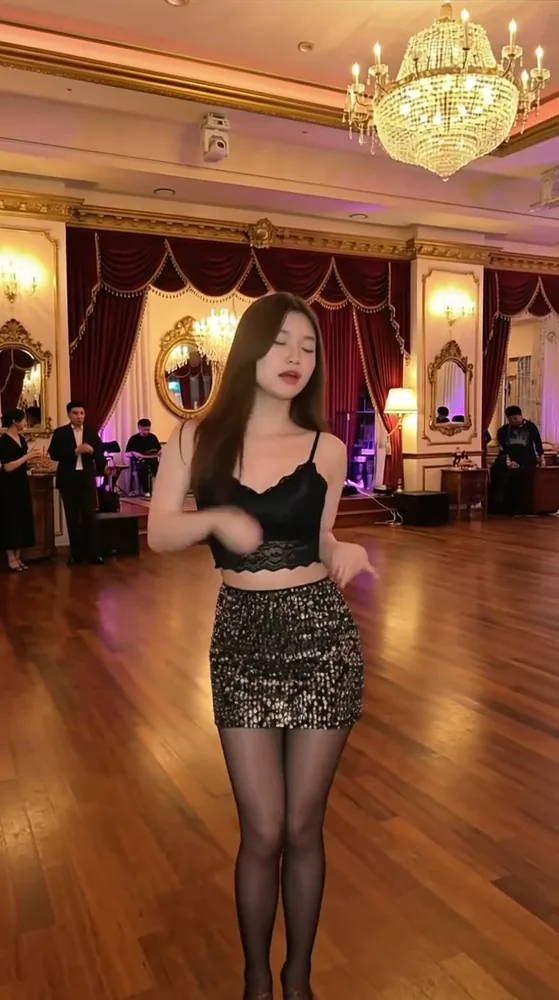
Dance
A photo of a person, turned into a dance clip.
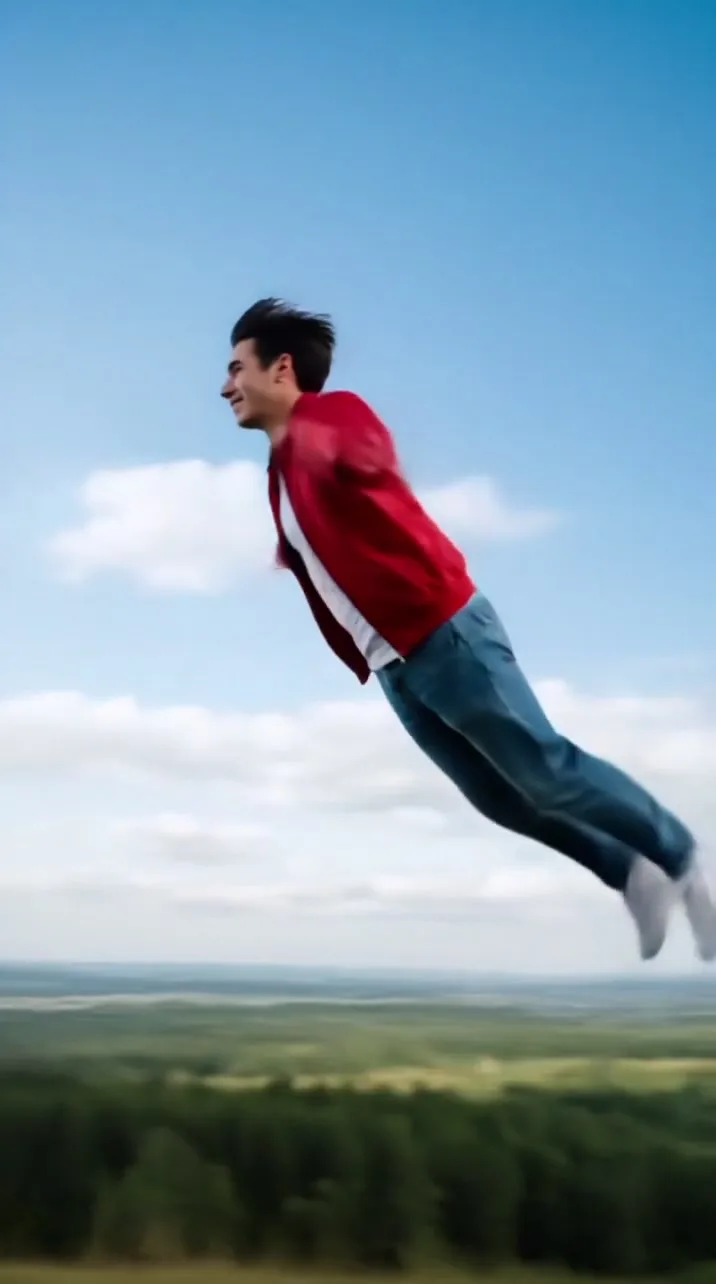
Flying
Levitation, superhero poses, and gravity-defying motion.
How it works
From photo to post in four steps.
Pick a template
Browse 200+ effects by mood: Trending, Art, Cinematic, Product, Romance, and more.
Upload a photo
Add the photo the effect asks for: each one does one thing, such as dressing a person in a gown or showing off a product.
Generate
King AI animates the photo into a share-ready clip. The price shows before you press.
Download and post
Download the clip watermark-free and post it to TikTok, Reels or Shorts.
Models
The engines behind the effects.
Each effect runs on the engine its template was made for: Vidu, PixVerse or Kling. The price shows before you press.
Keep exploring
More ways to go viral.
Go deeper
Guides, models and effects for this job.
Every AI video effect, by category
All the effect pages on one list, each with its sample clip and price.
ExploreGender Swap AI effect
Switch to the opposite-gender look in one run.
ExploreLiquid Metal AI effect
Faces coated in polished metal.
ExploreDolly zoom effect
The Hitchcock camera move, from one photo.
ExploreFAQ
AI video effects, answered.
How many AI video effects does King AI have?
King AI has 200+ curated effects in groups such as Trending, Fun & Viral, Dance & Music, Fantasy & Magic, Art & Style, Product & Ads, Romance and Cinematic.
Do the effects work on any photo?
Not every photo suits every effect. Each effect does one thing to the photo you give it, and its page says what, such as “Wear a stunning floral fantasy gown”. Pick one made for your subject; Product & Ads has the effects made for products.
How long does an effect take to generate?
It depends on the engine behind the effect, so King AI does not promise a time. The clip lands in your library when it is ready.
Can I add my own music to an effect?
Not inside the effect: an effect makes its clip from your photo in one press. Make a track with the AI Music Generator, then put the clip and the track together in your video editor.
Are the effects free and commercial-use?
Planning is free; use a plan or credit pack when you want to make more. Every run shows its credit cost before you generate. Commercial usage is included for everyone; paid plans add more monthly credits.
Which effects are trending right now?
The effects studio's Trending group shows them, re-ranked every day by how fast each effect's use is growing. Browse the full library on the templates page.
Get started
Try your first effect.
Planning is free; use a plan or credit pack when you want to make more. Every run shows its credit cost before you generate.