Reference to Video
Give your next shot a reference point.
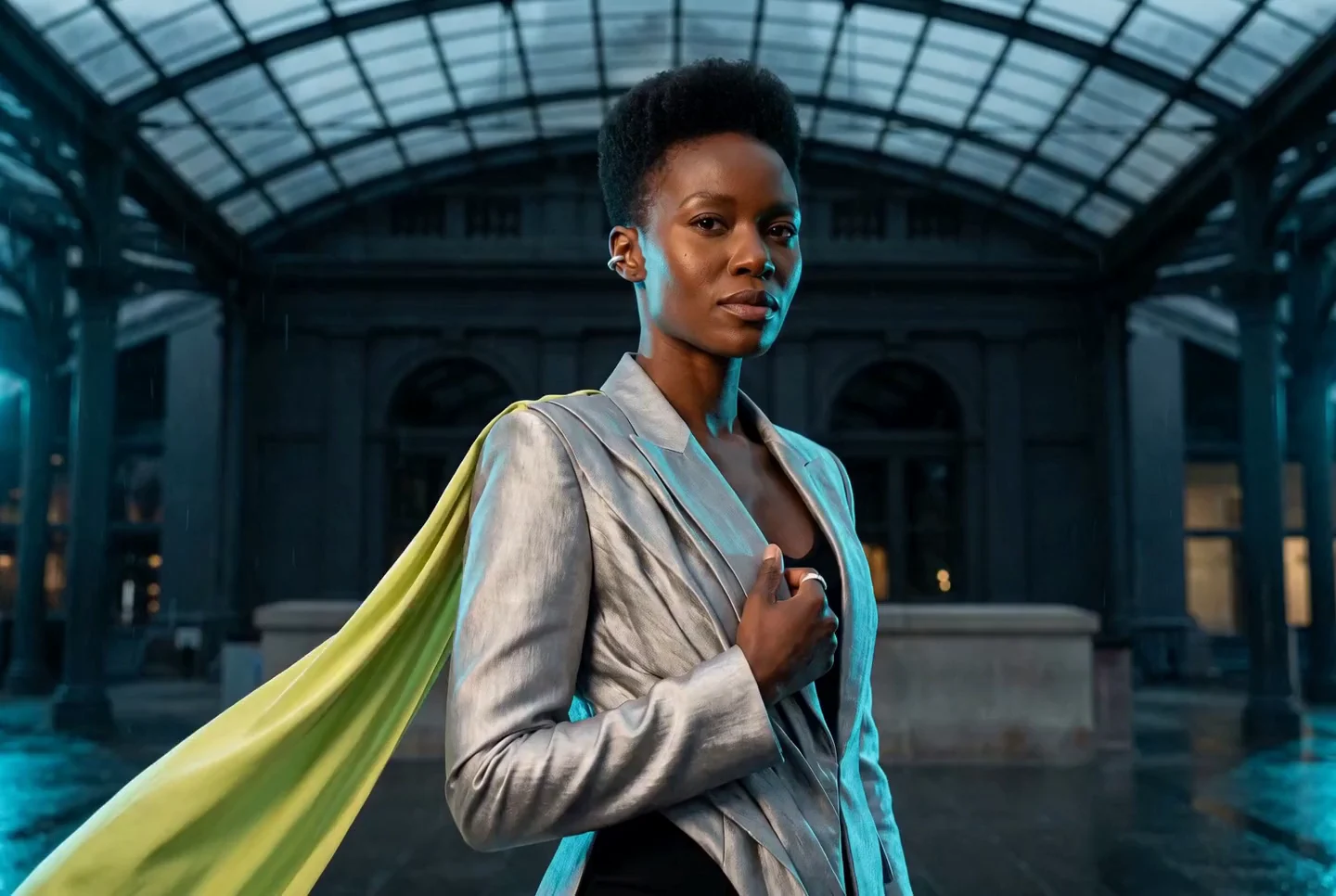
Bring visual references to your video idea. Review the model's supported inputs, then describe the action you want to see.
Highlights
Consistency, on demand.
Stop re-rolling for the right look. Give King AI a reference, and the engine works from its look.
Style match
Match colour grade, lighting, and framing from a reference image.
Subject match
Generate new scenes with the same character or product.
Place match
Give it a picture of a setting, and the engine works from it; check each clip.
Multi-reference
Use up to 30 pictures, depending on the engine, for finer control over the look.
How it works
Reference to video in four steps.
Upload a reference
Add the pictures whose look you want to match.
Write your prompt
Describe the new scene — the reference sets the look, the prompt drives the action.
Generate
King AI routes to a reference-capable model and renders the result.
Refine and export
Compare variations, pick the best, and export clean.
Models
Reference-capable video models.
Switch models per generation, run several at once, and compare results side by side.
FAQ
Reference to video, answered.
How many references can I use per generation?
It depends on the engine, not the plan: up to 30 pictures on Seedance 2.5 Reference, and 1 to 12 on the others. Each is a picture, such as a photo or a still from a video; the Seedance, Vidu Q4, HeyGen Video and MiniMax H3 Max Turbo reference engines also take audio clips, such as a voice. The engine works from their style and subjects.
Which models support reference input?
King AI routes your request to a model that accepts references, such as Veo 3.1 Reference, Kling O3 Pro Reference or Seedance 2.0 Reference, and tells you which engine it used.
Can I match a brand's exact look?
Yes. Give it pictures from an existing campaign, and the engine works from their colour grade, framing and mood. Check each clip against your brand before you post it.
Is reference-to-video free to try?
Planning is free; use a plan or credit pack when you want to make more. Every run shows its credit cost before you generate. Paid plans add more monthly credits, and nothing is watermarked on any plan.
Get started
Match your reference.
Planning is free; use a plan or credit pack when you want to make more. Every run shows its credit cost before you generate.