AI Models · Alibaba · Image to video
Create WAN 3.0 image-to-video online.
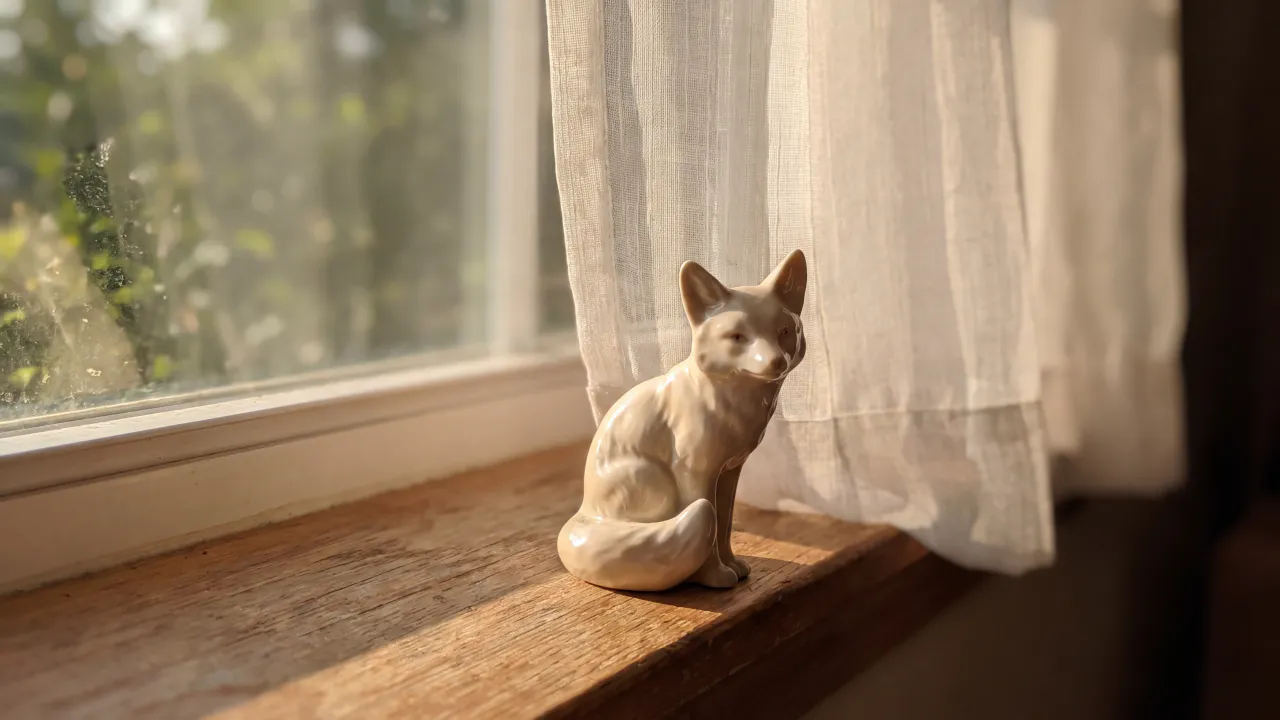
Upload your image. Add a prompt. Generate with WAN 3.0 — priced per second, with the exact credit cost shown before you press Generate. WAN keeps a still moving for up to half a minute without a cut — the whole action, from beginning to end, in one generation.
How it works
Animating a photo with WAN 3.0, in three steps.
A clip of 5s · 10 credits (~$4.00) is what the shortest WAN 3.0 animation costs; everything below is read from the app's own model catalog, so it is the figure you will be charged.
Upload the photograph
Open the image-to-video studio with the WAN 3.0 1080p tier already selected and add your file. WAN is going to hold this image on screen for far longer than any other engine here, so upload the largest, cleanest version you have — every flaw gets a lot more time to be noticed.
Describe one continuous move
A long take punishes contradictory direction. Name a single camera move and a single action that has somewhere to arrive: a drift that reaches a doorway, a rise that clears the rooftops, a process that finishes. Do not ask for a cut; WAN does not cut.
Pick the length
5, 10, 15, 20, 25 or 30 seconds at 2 credits a second: find the shot short, then run the long take.
Specs
The WAN 3.0 image-to-video tiers.
Every column comes from the catalog the app bills from — resolution, the clip lengths on offer, whether sound is generated with the picture, and the per-second rate.
| Mode | Engine | Max resolution | Clip length | Audio | Credits |
|---|---|---|---|---|---|
| Image to video, 1080p | WAN 3.0 1080p | 1080p | 5s·10s·15s·20s·25s·30s | Yes | 2 per second (~$0.80) |
| Image to video | WAN 3.0 | 720p | 5s·10s·15s·20s·25s·30s | Yes | 1 per second (~$0.40) |
| Image to video, Prime 1080p | WAN 3.0 Prime 1080p | 1080p | 5s·10s·15s·20s·25s·30s | Yes | 2.8 per second (~$1.12) |
| Image to video, Prime | WAN 3.0 Prime | 720p | 5s·10s·15s·20s·25s·30s | Yes | 1.4 per second (~$0.56) |
Cost
What a WAN 3.0 photo animation costs.
WAN 3.0 bills per second, so the length is the price. The dollar figure is the most a generation can cost, at the 25-credit pack's rate. In most countries, your first video is on us: new verified accounts get one five-second video on our lowest-cost video model, once. A five-second WAN 3.0 1080p run costs more than the first video on us, so it needs credits from a plan or credit pack.
| Clip length | Credits | At the 25-credit pack rate |
|---|---|---|
| 5 seconds | 10 credits | ~$4.00 |
| 10 seconds | 20 credits | ~$8.00 |
| 30 seconds | 60 credits | ~$24.00 |
The photo
What to upload for WAN 3.0.
Four things that change the result more than the prompt does.
Bring an image with an ending in it
Thirty seconds is a long time to look at a photograph. The stills that work here imply somewhere to get to — a path, a process mid-way, a door not yet reached.
Resolution matters more here than anywhere
A soft source that would pass in a four-second clip is on screen seven times longer. Upload the full-size file, and use the 1080p tier when the take is going to run long.
Expect drift over half a minute
No image-to-video model holds a face perfectly for thirty seconds. Faces that start clear and well lit hold longest; if identity is critical, generate a shorter take.
The world past the edges gets invented, slowly
The longer the take, the more of your photograph's surroundings WAN has to make up. Naming what lies beyond the frame — the street, the sea, the rest of the room — keeps that invention on brief.
How it behaves
What WAN 3.0 does with a still.
WAN 3.0 changes what an animated photograph can be. Every other engine on this page produces a moment: a few seconds of movement that reads as a living still. WAN produces a shot — long enough that something can begin, happen and finish inside it, with no cut and nothing to hide.
That suits a specific kind of source image. A photograph of a corridor becomes a walk down it. A photograph of a potter's hands becomes the bowl being finished. A photograph of a harbour becomes the rise to the wide. A photograph of a face becomes thirty seconds of a face, which is usually not what anyone wanted.
Billing is per second, in clips of 5, 10, 15, 20, 25 or 30 seconds: the long take is not a feature you unlock, only a longer clip at the same rate. The 720p tier costs exactly half the 1080p one, so the sensible pattern is to find the move at 720p and then run the long version.
Alternatives
The five engines you would pick instead of WAN 3.0.
The same photograph reaches all of them from the same studio and the same credit balance, so the choice is per shot, not per subscription.
| Model | Max resolution | Clip length | Audio | Credits per second | Shortest clip |
|---|---|---|---|---|---|
| Veo 3.1 | 1080p | 4s·6s·8s | Yes | 4 (~$1.60) | 4s · 16 credits (~$6.40) |
| Kling V3 Pro | 1080p | 5s·10s·15s | Yes | 1.68 (~$0.67) | 5s · 8.4 credits (~$3.36) |
| Seedance 2.0 | 1080p | 5s·10s·15s | Yes | 6.804 (~$2.72) | 5s · 34.02 credits (~$13.61) |
| MiniMax H3 | 768p | 5s·10s·15s | Yes | 0.6 (~$0.24) | 5s · 3 credits (~$1.20) |
Keep exploring
Related pages.
FAQ
WAN 3.0 image-to-video, answered.
How long can a WAN 3.0 photo animation be?
5, 10, 15, 20, 25 or 30 seconds, each in a single unbroken generation. That is the longest single image-to-video take in King AI — more than three times what Veo 3.1 offers from the same photograph, and twice what Kling V3 Pro or MiniMax H3 will give you.
How do I animate a photo with WAN 3.0?
Open the image-to-video studio in King AI with WAN 3.0 selected, upload the photograph, describe one continuous camera move and one action, and choose the length in seconds. The credit cost is shown before you generate. In most countries, your first video is on us.
Should I use the 720p or the 1080p WAN 3.0 tier?
The 1080p tier costs exactly twice the 720p one per second, and on a long take that difference compounds quickly. Find the move at 720p; buy the delivery at 1080p once you know the shot works.
Does WAN 3.0 image-to-video generate audio?
Yes, on both resolutions and on both Prime tiers. Over a long take that matters more than usual: half a minute of silent footage reads as unfinished in a way that four seconds does not.
Get started
Animate a photo with WAN 3.0.
Upload a photograph with somewhere to go, and let WAN 3.0 run it for half a minute without a cut.